
🔥 6.1k generations
거대한 고양이가 현수교를 무너뜨리는 장면
바다에서 솟아난 거대 고양이가 도시 다리를 파괴하는 재난 장면
Create a MiniMax H3 video directly in your browser. Choose a supported generation mode, describe the scene you want to create, upload optional reference media, select your available video settings and review the required credits before generating.
MP4 / MOV / MKV, up to 3 files, 50MB each
MP3 / WAV / AAC / FLAC, up to 3 files, 15MB each
Checking your account…
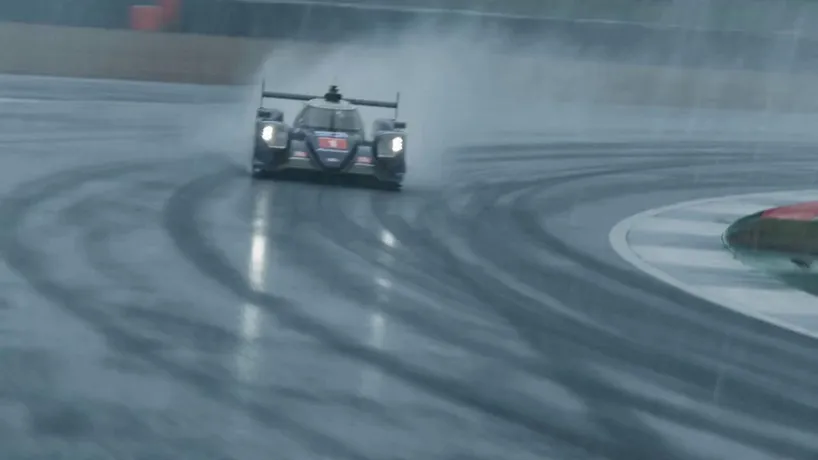
Browse AI-generated samples. Hover to preview, click to load the prompt.
바다에서 솟아난 거대 고양이가 도시 다리를 파괴하는 재난 장면

불타는 돛대와 침몰하는 배가 등장하는 중세 해상 전투

차갑고 억압적인 도시를 배경으로 한 오리지널 액션 애니 예고편
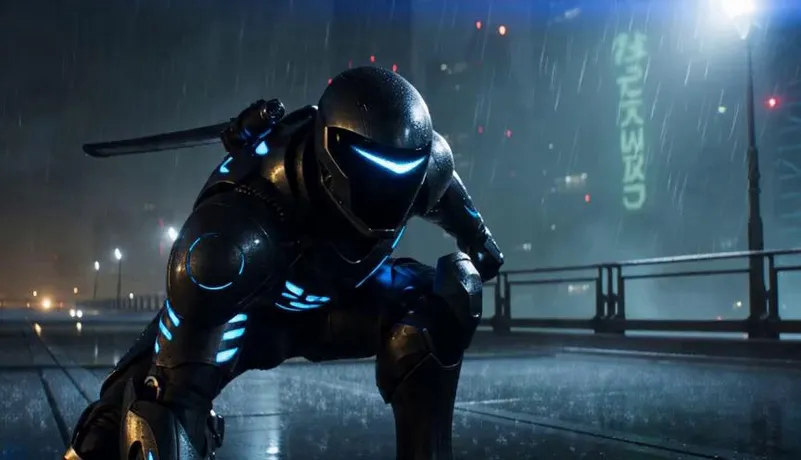
비 내리는 옥상에서 펼쳐지는 메카 닌자와 중장갑 적의 결전
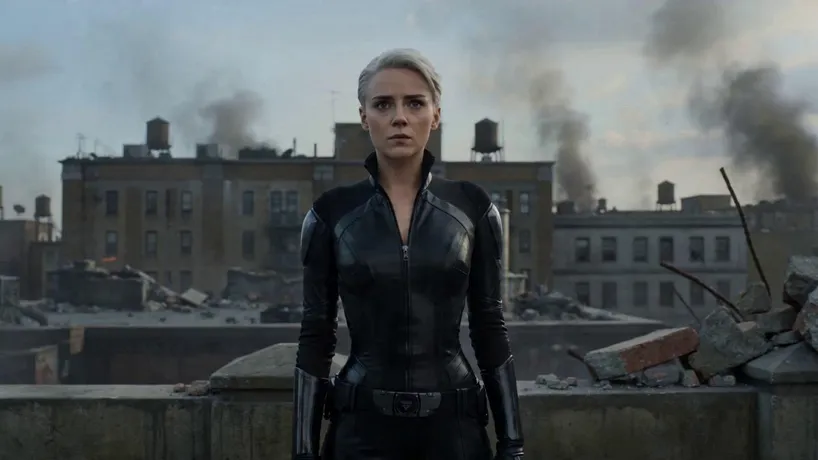
전쟁으로 폐허가 된 옥상에서 보라색 에너지와 함께 변신하는 전사

360도 회전 카메라로 담은 다크 판타지 변신 장면
멈춘 빗방울과 회전 카메라로 연출한 초현실 레이싱 장면
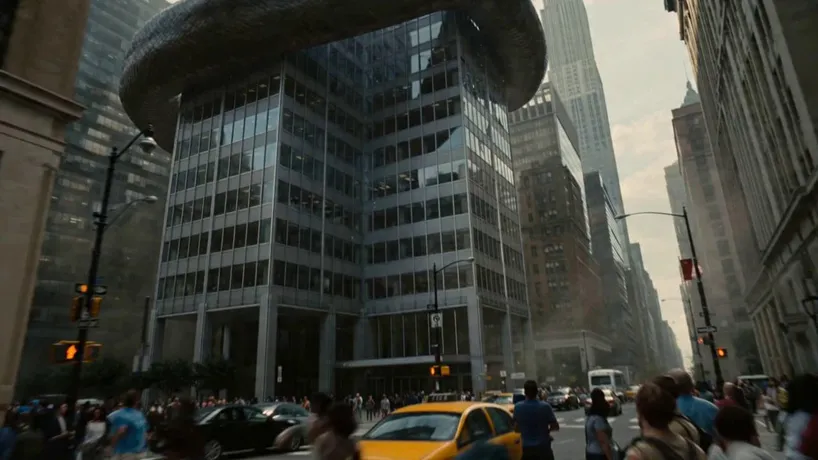
거대 뱀, 헬리콥터, 폭발이 겹치는 도시 재난 VFX

부적, 기계 까마귀, 푸른 불꽃으로 마무리되는 다크 판타지

전차 포격과 충격파를 초정밀 슬로모션으로 보여 주는 전쟁 VFX

폭풍 속 고급 전용기가 비상 상황에 빠지는 긴장감 있는 장면

먼지와 연기, 석양 속 전쟁 폐허를 통과하는 병사들
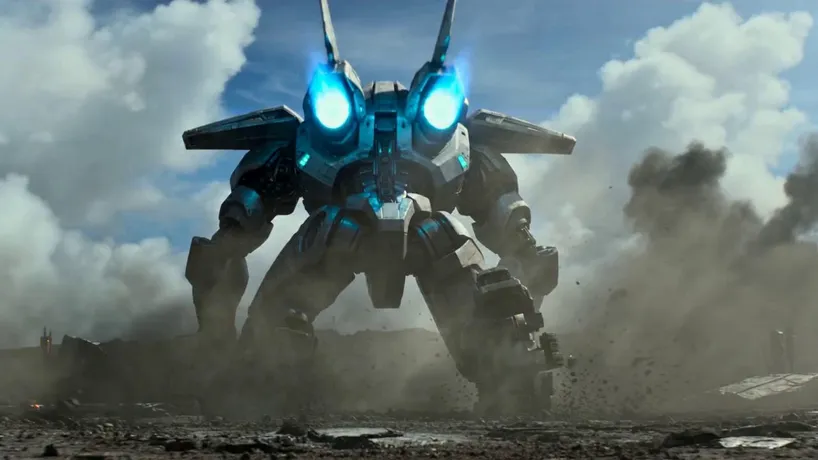
시안색 추진광을 내뿜는 티타늄 메카의 수직 이륙 장면

먼지 낀 격납고에서 병사를 감싸는 산업형 메카 아머

탐험대를 추격하는 거대 비단뱀의 정글 생존 스릴러
Hover to preview on desktop; tap to load and play on mobile.
Frequently asked
Direct answers about the MiniMax H3 generator, credits, and MiniMax3.org.
Last verified: 2026-08-07
MiniMax H3 is a multimodal AI video generation model developed by MiniMax. It is designed for short-form video creation using text and supported reference media, with capabilities that include high-resolution video generation, cinematic motion and audiovisual output.
“MiniMax 3” is an informal search phrase and is not the official name of a single MiniMax model. Users may use it when looking for MiniMax H3 video generation or MiniMax M3 language and coding capabilities. MiniMax3.org focuses primarily on MiniMax H3 video generation.
Not exactly. MiniMax H3 is the official video model name. “MiniMax 3” is a broader informal phrase that some users may type when searching for MiniMax's latest generation of models or tools.
No. MiniMax H3 is focused on AI video generation, while MiniMax M3 belongs to MiniMax's language, coding and agent-oriented model family. They are separate model lines designed for different tasks.
No. MiniMax3.org is an independent third-party platform and is not operated by, affiliated with or endorsed by MiniMax. MiniMax and related model names belong to their respective owners.
Yes, MiniMax3.org provides a browser-based interface for supported MiniMax H3 video generation workflows. Available modes, resolutions, durations and input types are shown directly in the generator.
Yes, supported MiniMax H3 workflows can use an image as the starting point for video generation. A good image-to-video prompt should focus on movement, camera behavior and scene changes rather than simply repeating what is already visible in the image.
MiniMax H3 supports 2K output in compatible generation modes. Availability and credit cost can depend on the selected workflow, duration and provider used by MiniMax3.org.
Supported MiniMax H3 generations can range from 4 to 15 seconds. Available duration options may vary by generation mode and resolution.
MiniMax H3 supports audiovisual generation in compatible workflows, including synchronized audio in supported modes. Check the current generator options because availability can vary by mode and provider.
MiniMax3.org charges credits based on the selected generation settings. Resolution, duration and reference inputs can affect the total credit requirement. The current cost should be displayed in the generator or on the pricing page before generation.
If a generation fails because the generation service cannot complete the task, the corresponding generation credits are automatically returned according to the MiniMax3.org credit policy.
Commercial usage depends on the applicable model terms, MiniMax3.org Terms of Service and any rights associated with your prompts, reference media and generated content. Review the current terms before using generated videos in commercial projects.
New users may receive a limited amount of trial credit when the current MiniMax3.org promotion provides it. Available trial credits and eligibility are shown during signup and may change over time.
Open the generator, shape your prompt, and export clips to your CDN.