Copy · Adapt · Generate

MiniMax H3 Prompts

Ready-to-adapt prompt examples for cinematic scenes, product ads, consistent characters, camera motion, social video and reference workflows.

By Jaysean BrambilaFounder of MiniMax3.org · AI Video & Generative AIUpdated:

PROMPT LIBRARY PLAYGROUND

Generate Videos From MiniMax H3 Prompts

The best way to understand a prompt is to test the result. Customize these MiniMax H3 prompts and generate your own AI videos directly.

Cinematic Drone Shot

Cinematic

Selected

Use case: An establishing shot with a single readable aerial camera move.

integrated_multimodal_description:
[Shot 1] At sunrise, a lone red train follows a curved track through a mist-filled alpine valley. A high drone camera descends slowly behind the train, then settles into a wide side view as sunlight reaches the peaks.

overall_soundscape:
Distant rail rhythm, soft mountain wind and sparse birds.

non_diegetic_music:
A restrained orchestral swell with low strings.
Learn Why This Works

Product Reveal

Product Advertising

Prompt Card

Use case: A clean studio reveal for a launch page or paid ad.

integrated_multimodal_description:
[Shot 1] A matte-black wireless speaker stands on a dark stone plinth. A narrow rim light travels across its exact silhouette while the camera makes one slow 30-degree arc. Fine mist clears to reveal the logo. Keep the product geometry, grille pattern and logo placement unchanged.

overall_soundscape:
Soft room tone and one precise power-on chime.

non_diegetic_music:
Minimal premium electronic pulse.
Learn Why This Works

Luxury Product Ad

Commercial / Brand

Prompt Card

Use case: A polished hero clip for fragrance, jewelry or accessories.

integrated_multimodal_description:
[Shot 1] A faceted perfume bottle rests on warm travertine. Golden-hour light refracts through the glass as the camera pushes in slowly. A silk ribbon crosses the background without touching the bottle. Hold the label sharp and readable for the final two seconds.

overall_soundscape:
Quiet studio ambience and a soft glass resonance.

non_diegetic_music:
Elegant sparse piano with warm strings.
Learn Why This Works

Fashion Campaign

Character Consistency

Prompt Card

Use case: A wardrobe-led campaign that preserves model identity and styling.

Subject 1 takes facial identity and hairstyle from Picture 1. Subject 2 takes the silver jacket and accessories from Picture 2. Generate a new rooftop fashion shot at blue hour. Subject 1 wears Subject 2, walks toward camera, stops, and turns left as wind moves the jacket. Use one slow backward tracking shot. Preserve face, hair, jacket material and accessories. City wind and distant traffic. No background music.
Learn Why This Works

Restaurant / Food Commercial

Commercial / Brand

Prompt Card

Use case: A short food spot built around texture, steam and one serving action.

integrated_multimodal_description:
[Shot 1] Close-up of a chef placing a glossy seared salmon fillet onto a black ceramic plate. Steam rises naturally. The camera slides left as citrus sauce is poured in one continuous ribbon, then holds on the finished plate.

overall_soundscape:
Gentle kitchen ambience, ceramic contact and a crisp sauce pour.

non_diegetic_music:
Warm modern jazz at low volume.
Learn Why This Works

App / UI Product Demo

Product Advertising

Prompt Card

Use case: Animate an existing app screen without redesigning the interface.

integrated_multimodal_description:
[Shot 1] Begin from Picture 1 and preserve the exact interface layout, typography, colors and icons. A cursor selects “Create report”; the panel expands smoothly and a chart draws from left to right. Use a locked front-facing view. Keep all visible copy readable and unchanged.

overall_soundscape:
Soft click, subtle panel movement and a clean completion chime.

non_diegetic_music:
N/A
Learn Why This Works

Social Media Ad

Social Video

Prompt Card

Use case: A vertical performance ad with a fast, clear product benefit.

integrated_multimodal_description:
[9:16 vertical] [Shot 1] A creator holds a compact travel blender in a bright kitchen and adds fruit. [Shot 2 at 00:03] Match cut to the finished smoothie as the creator lifts it toward camera. Keep the product centered and leave clean upper-frame space for a caption.

overall_soundscape:
Fruit drops, blender motor, lid click and natural room tone.

non_diegetic_music:
Upbeat percussion with a clean beat change at 00:03.
Learn Why This Works

Automotive Commercial

Camera Motion

Prompt Card

Use case: A controlled rolling shot that keeps vehicle proportions stable.

integrated_multimodal_description:
[Shot 1] A graphite electric coupe drives along a wet coastal road at dusk. One low tracking camera moves parallel to the driver side at matching speed. Preserve wheelbase, body panels, lights and paint across the shot. Finish as the car enters a gentle left curve.

overall_soundscape:
Tire spray, restrained motor whine, wind and distant surf.

non_diegetic_music:
Low cinematic synth pulse.
Learn Why This Works

Beauty / Skincare Product

Image-to-Video

Prompt Card

Use case: Animate a supplied packshot while protecting packaging details.

integrated_multimodal_description:
[Shot 1] Begin from Picture 1. Preserve the bottle shape, pump, label typography and pale-green color. Condensation forms gradually while a soft light moves from left to right. The camera pushes in slightly and stops with the label fully readable.

overall_soundscape:
Quiet studio tone and delicate water droplets.

non_diegetic_music:
Airy ambient tones at low volume.
Learn Why This Works

First / Last Frame Transformation

First / Last Frame

Prompt Card

Use case: Connect exact opening and closing frames with one continuous change.

integrated_multimodal_description:
[Shot 1] Picture 1 is the opening frame and Picture 2 is the final frame. Begin on the empty daylight storefront in Picture 1. The camera remains locked while the sky darkens, interior lights switch on, pedestrians enter and wet reflections form. Settle precisely into Picture 2 without a cut.

overall_soundscape:
Street ambience gradually grows busier; soft rain begins halfway through.

non_diegetic_music:
Subtle electronic ambience that builds with the transition.
Learn Why This Works

Dialogue Scene

Dialogue & Audio

Prompt Card

Use case: Keep two speakers and their lines easy to distinguish.

integrated_multimodal_description:
[Shot 1] Two climbers shelter inside a dim tent during a storm. Medium two-shot. The younger climber (S1), breathless, says: <d>[English] The radio went silent.</d> The older climber (S2), calm and low, replies: <d>[English] Then we move at first light.</d> Keep each line with its assigned speaker.

overall_soundscape:
Rain striking canvas, fabric movement and distant thunder.

non_diegetic_music:
N/A
Learn Why This Works

Reference-to-Video Motion

Reference-to-Video

Prompt Card

Use case: Borrow motion and camera behavior without copying the source setting.

Subject 1 takes identity from Picture 1. Video 1 provides body movement and handheld camera behavior only. Generate a new rain-soaked night market scene. Subject 1 follows the walking rhythm from Video 1 while wearing a red coat and looking toward the stalls. Preserve Subject 1 identity; do not reuse the environment or wardrobe from Video 1. Rain, footsteps and market ambience. Restrained electronic score.
Learn Why This Works

Brand Logo Reveal

Commercial / Brand

Prompt Card

Use case: A simple end-card animation for a campaign asset.

integrated_multimodal_description:
[Shot 1] Fine silver particles gather over a deep navy background and form the supplied brand mark in the center. Use a locked camera. The final logo must keep its exact proportions, letter spacing and orientation, then remain still for two seconds.

overall_soundscape:
A soft metallic sweep and one restrained impact as the mark completes.

non_diegetic_music:
Minimal tonal rise that resolves on the reveal.
Learn Why This Works

Generate Your Own MiniMax H3 Prompt Video

The first prompt is prefilled
400/2500
768pRecommended

Recommended for testing prompts and first drafts.

2K output is available on the 2K tier only.

5s
Est. cost: ~30 creditsBalance: credits

Checking your account…

OutputVideo
History
MiniMax H3 AI video: ocean cliffs at golden hour aerialMiniMax H3 Text to Video sample

See What MiniMax H3 Can Create

Featured MiniMax H3 examples — hover to preview, tap to view the prompt.

Vintage Binocular Brand Film
Featured Example

Vintage Binocular Brand Film

Reference to Video · Brand Films & Cinematic Content

Epic Space Opera Teaser
Featured Example

Epic Space Opera Teaser

First & Last Frame · Brand Films & Cinematic Content

Desert Fashion Campaign
Featured Example

Desert Fashion Campaign

Reference to Video · Brand Films & Cinematic Content

Cyber-Grunge Fashion Film
Featured Example

Cyber-Grunge Fashion Film

Reference to Video · Brand Films & Cinematic Content

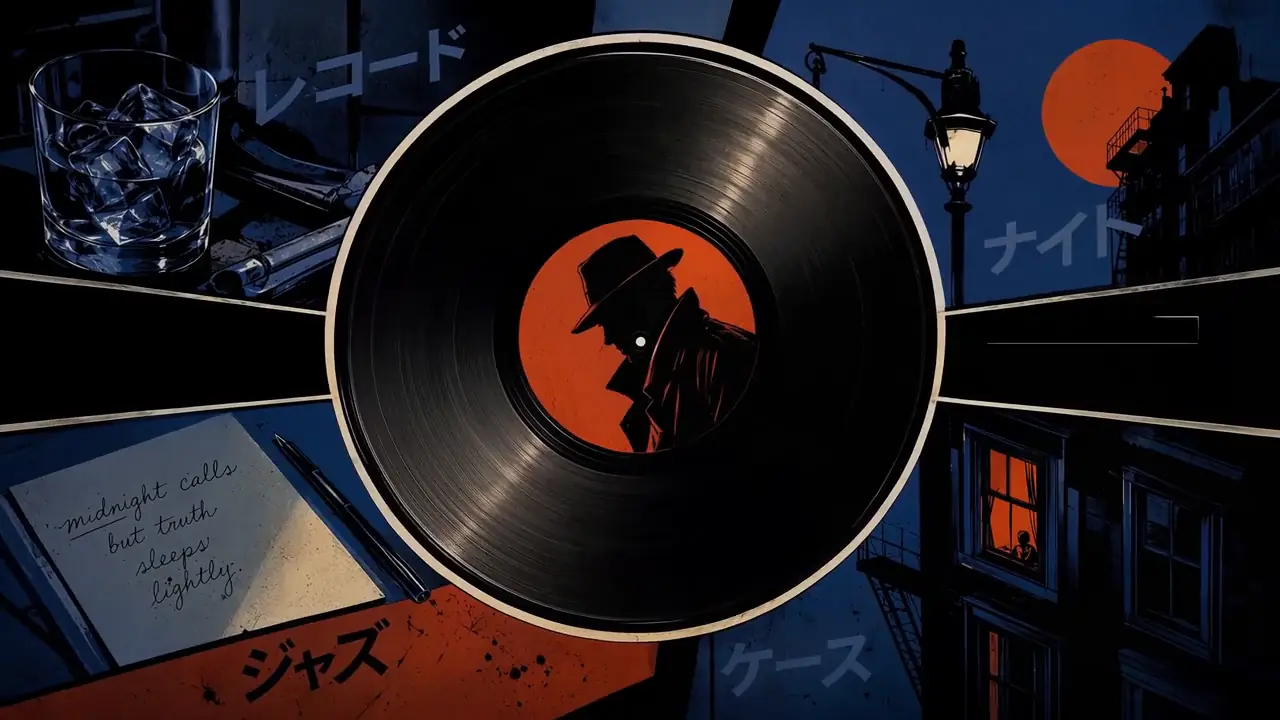
Retro Anime Crime Title Sequence
Featured Example

Retro Anime Crime Title Sequence

Reference to Video · Visual Concepts & Motion Design

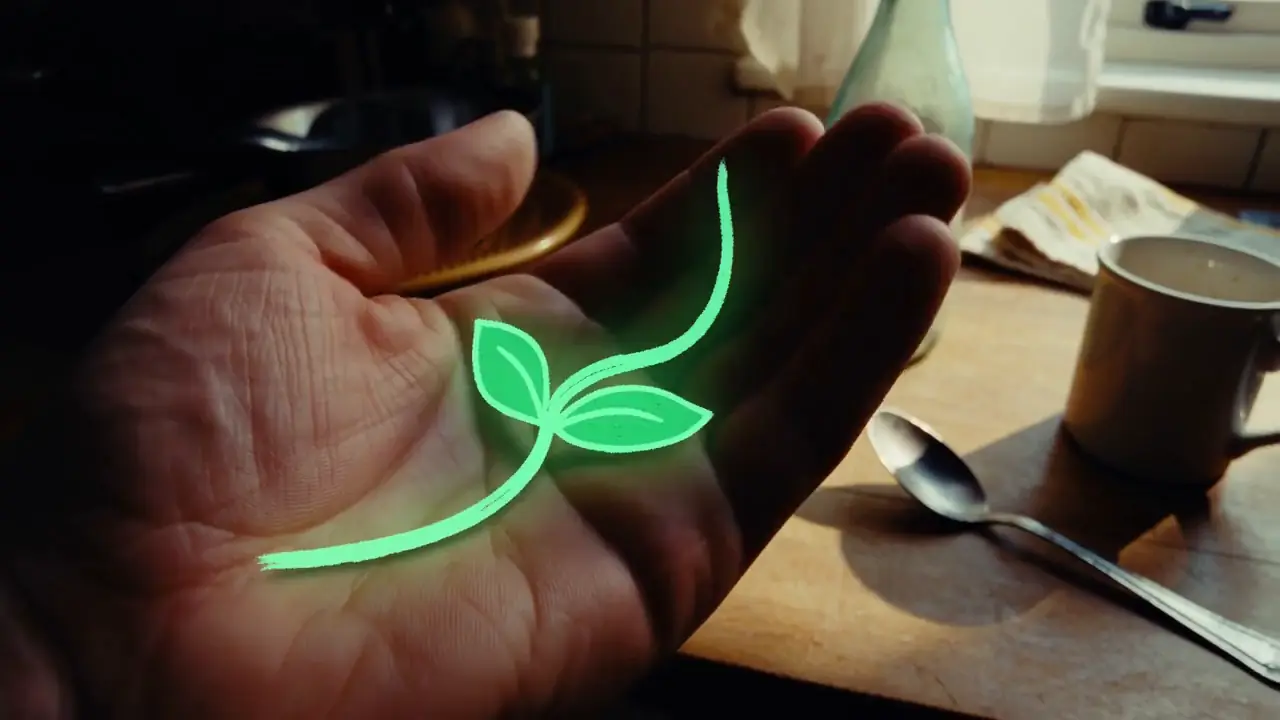
Hand-Drawn Kitchen Creature
Featured Example

Hand-Drawn Kitchen Creature

Text to Video · Visual Concepts & Motion Design

Neon Laundromat Encounter
Featured Example

Neon Laundromat Encounter

Text to Video · Visual Concepts & Motion Design

Cyber-Grunge Rap Music Video
Featured Example

Cyber-Grunge Rap Music Video

Reference to Video · Visual Concepts & Motion Design

Green-Screen to Fairytale Composite
Featured Example

Green-Screen to Fairytale Composite

Reference to Video · Visual Concepts & Motion Design

Animated Gallery Poster
Featured Example

Animated Gallery Poster

First & Last Frame · Visual Concepts & Motion Design

Snowy Bamboo Wuxia Mystery
Featured Example

Snowy Bamboo Wuxia Mystery

Reference to Video · AI-Native Storytelling

Futuristic Eyewear Campaign
Featured Example

Futuristic Eyewear Campaign

Reference to Video · Product & E-Commerce Marketing

Interactive Game Equipment UI
Featured Example

Interactive Game Equipment UI

Reference to Video · Digital Experiences & Game Concepts

Automotive Website UI Animation
Featured Example

Automotive Website UI Animation

First & Last Frame · Digital Experiences & Game Concepts

Rotating Product Page Reveal
Featured Example

Rotating Product Page Reveal

First & Last Frame · Digital Experiences & Game Concepts

Back to the prompt editor

Basic orientation

Quick H3 Prompt Format

MiniMax H3 prompts can separate the visual timeline, physical sound and audience-only music into structured fields. Reference workflows add explicit roles for images, video, audio, people or objects. For most prompts, focus on:

  1. what the subject does,
  2. what changes over time,
  3. one clear camera movement,
  4. the sound that belongs inside the scene,
  5. only the visual details that must remain fixed.

For the complete H3 field structure, reference-role system, shot timing and failure diagnosis, read the MiniMax H3 Prompt Guide.

Quick Prompt Tips

  • Start with one clear subject and action.
  • Describe observable motion rather than abstract adjectives.
  • Use one main camera move per shot.
  • Assign each reference one explicit role.
  • Separate physical sound from background score.
  • Lock only the details that must not drift.
Need the full method? Read the MiniMax H3 Prompt Guide.

Having trouble with prompt adherence? See the Prompt Guide troubleshooting section.

Match templates to the MiniMax H3 image-to-video guide or the MiniMax H3 reference-to-video guide.

Working on product advertising or a product reveal? The AI product video generator pairs those prompts with a product image to video workflow and worked examples.

MiniMax H3 Prompt Library FAQ

Can I copy these H3 prompts?

Yes. Every card is a ready-to-adapt template. Copy it, then replace the subject, setting, references and brand details for your project.

Can I use these prompts for commercial videos?

Yes, the library includes ad-oriented starting points. You remain responsible for rights to brands, people, media inputs and final outputs.

How do I load a prompt into the generator?

Choose Use Prompt on any card. The existing generator preset flow loads the text and moves you to the editor without changing credit or generation logic.

Which prompt should I use for image-to-video?

Start with an Image-to-Video card when you have an opening image. State what must remain fixed, then describe only the movement and changes that follow.

Which prompt should I use for reference video?

Use a Reference-to-Video card when a video supplies motion, camera behavior or pacing. Assign that role explicitly instead of asking H3 to copy everything.

Can I customize these prompts?

Yes. Adjust the subject, action, setting, timing, camera move, sound and references while keeping the structure concise.

Where can I learn H3 prompt structure?

Read the MiniMax H3 Prompt Guide for field structure, reference roles, shot timing, continuity and failure diagnosis.

Sources

Prompt syntax is based on MiniMax's published H3 documentation. Templates are starting points, not claims of guaranteed output.

About the author

Jaysean Brambila is the founder of MiniMax3.org, where he works on practical AI video generation workflows, prompt engineering, multimodal video tools, and creator-focused MiniMax H3 resources.