
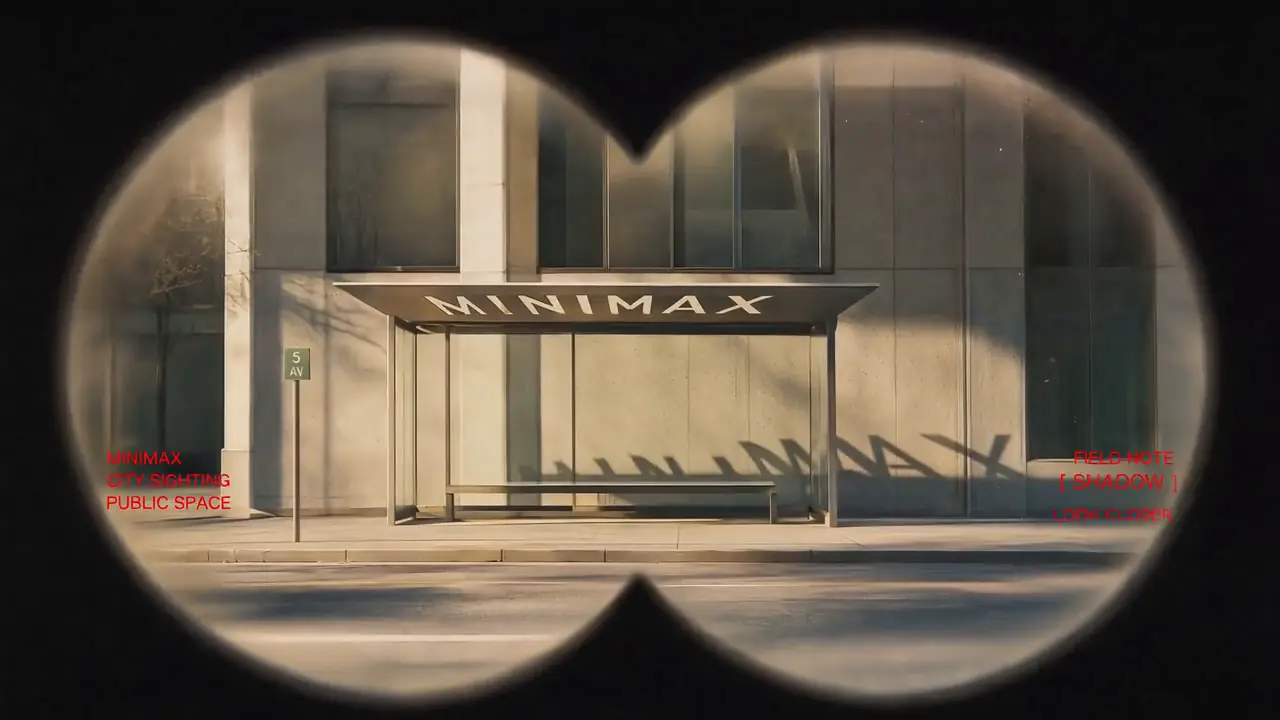
Featured Example
Vintage Binocular Brand Film
Reference to Video · Brand Films & Cinematic Content
MiniMax H3 Reference-to-Video
MiniMax H3 reference-to-video combines a text prompt with image, video, and audio references. Images can define identity or appearance, video can guide motion and camera behavior, and audio can guide voice, rhythm, or sound in a new audiovisual video.
Give every reference one clear job. Multiple image, video, and audio references can contribute different information to the final generation; the prompt should state which identity, appearance, movement, camera behavior, timing, voice, or sound to take from each source.
First 5 images are included; each additional image uses 3 credits.
MP4 / MOV / MKV, up to 3 files, 50MB each
MP3 / WAV / AAC / FLAC, up to 3 files, 15MB each
Recommended for testing prompts and first drafts.
2K output is available on the 2K tier only.
Checking your account…
Featured real MiniMax H3 outputs — hover to preview, tap to view the prompt.
Reference to Video · Brand Films & Cinematic Content
First & Last Frame · Brand Films & Cinematic Content
Reference to Video · Brand Films & Cinematic Content
Reference to Video · Brand Films & Cinematic Content

Reference to Video · Visual Concepts & Motion Design

Text to Video · Visual Concepts & Motion Design
Text to Video · Visual Concepts & Motion Design
Reference to Video · Visual Concepts & Motion Design
Reference to Video · Visual Concepts & Motion Design
First & Last Frame · Visual Concepts & Motion Design
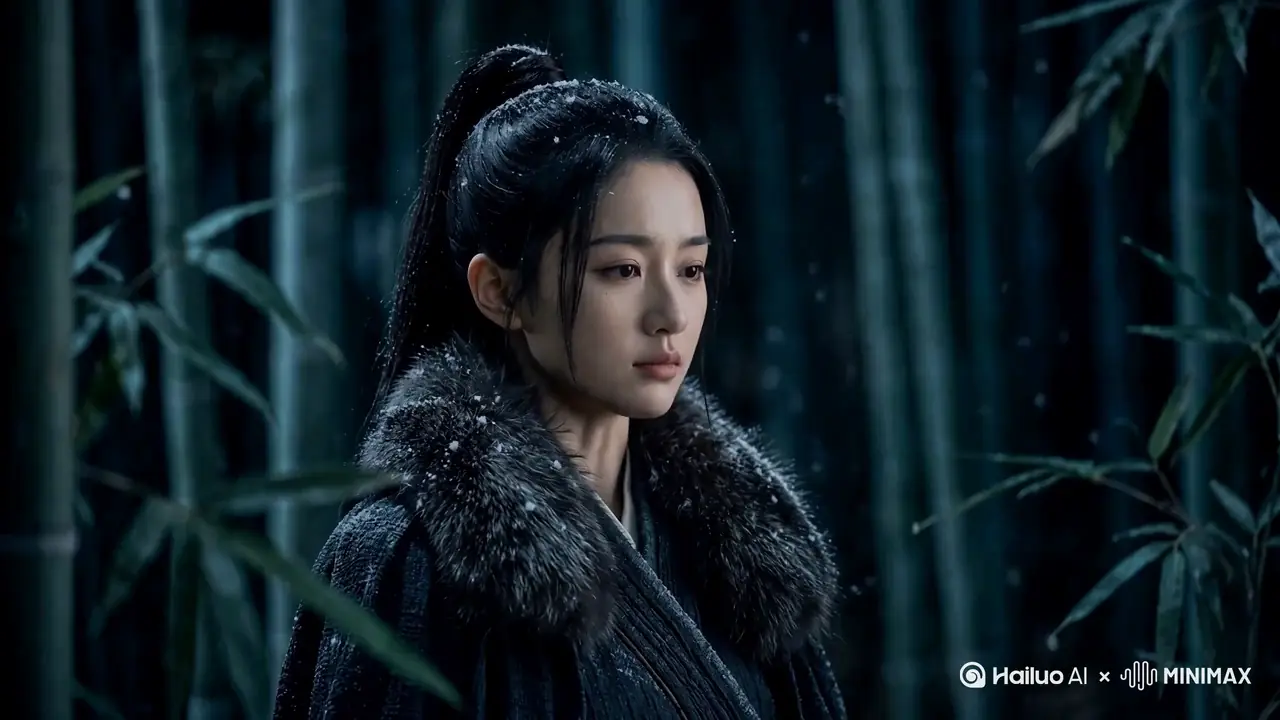
Reference to Video · AI-Native Storytelling
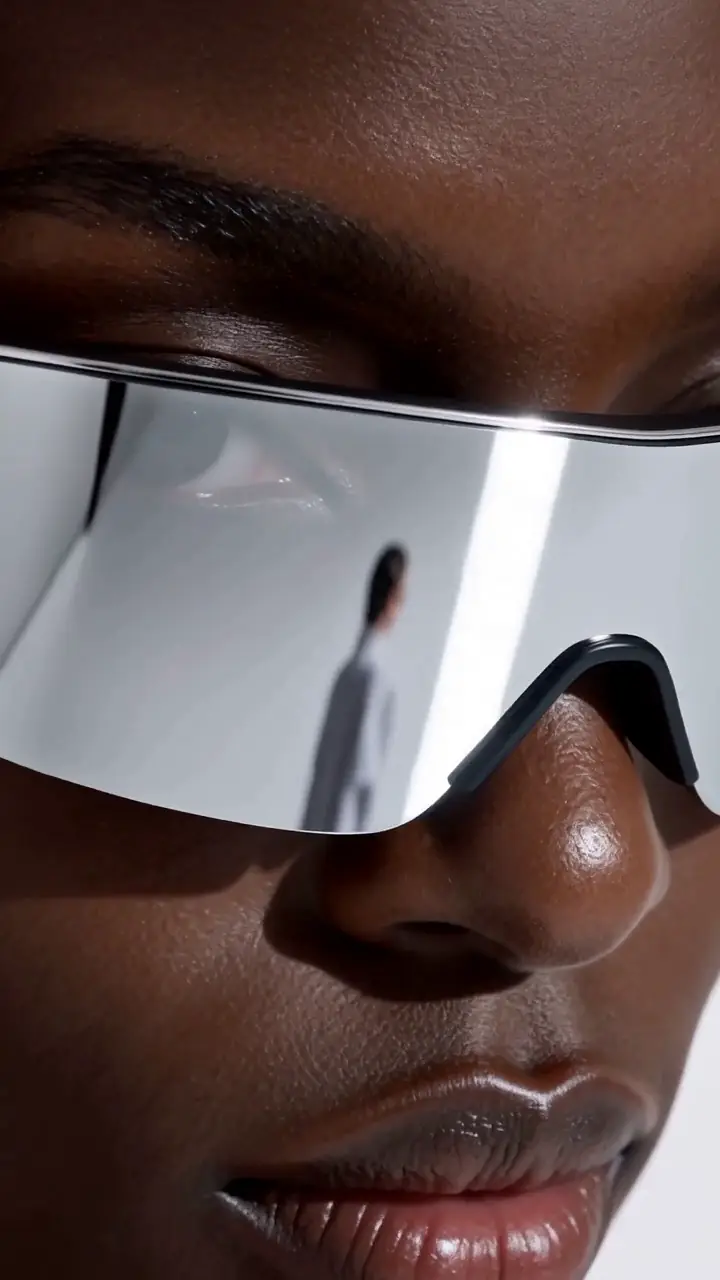
Reference to Video · Product & E-Commerce Marketing
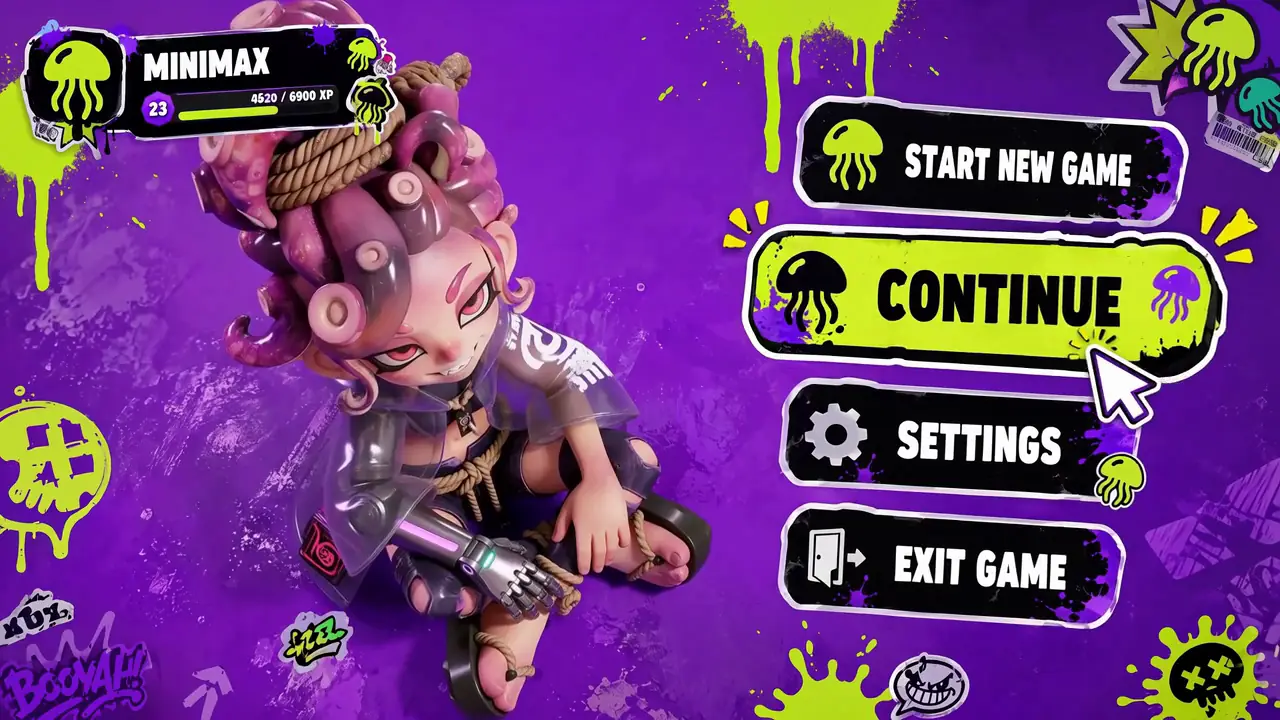
Reference to Video · Digital Experiences & Game Concepts
First & Last Frame · Digital Experiences & Game Concepts

First & Last Frame · Digital Experiences & Game Concepts
Want all 20 examples?
Explore the MiniMax H3 Prompt Guide →MiniMax H3 Reference-to-Video generates a new video from a text prompt plus any combination of reference images, reference videos, and reference audio. Each reference can provide a different part of the target result, such as character identity, clothing, style, body motion, camera movement, voice, or scene context.
The most important part is not how many references you upload. It is whether each reference has a clear role.
For a broader overview of MiniMax H3, including text, image, video, audio, generation, and editing capabilities, see the MiniMax H3 guide.
A MiniMax H3 reference video is a source clip used to guide part of a newly generated video. It can provide body movement, acting performance, camera movement, cuts, rhythm, or other temporal information.
A reference video does not automatically mean that H3 is editing the original clip. If the source video only provides motion, camera behavior, or timing, it is being used as reference guidance rather than as footage that must be directly edited.
| Workflow | Use It When | Core Input |
|---|---|---|
| Reference-to-Video | Multiple images, videos, and audio files each provide different information for a new generation | Mixed multimodal references |
| Video-to-Video | One existing source video is the center of the task and you want to transform, edit, or transfer from it | Existing source video |
| Image-to-Video | A supplied image should become the opening or ending frame | First / last frame image |
Use MiniMax H3 Video-to-Video when one source clip is the main thing you want to transform, edit, or transfer from. Use Reference-to-Video when multiple reference assets need to work together, such as an image for identity, a video for motion, and audio for voice.
If a supplied image must become the actual opening or ending frame rather than acting only as a reference, use MiniMax H3 Image-to-Video.
| Reference Type | Current Limit |
|---|---|
| Reference images | Up to 9 |
| Reference videos | Up to 3 |
| Reference audio clips | Up to 3 |
| Reference video duration | 2-5 seconds each |
| Total reference-video duration | Up to 15 seconds |
| Reference audio duration | 2-5 seconds each |
| Total standalone audio duration | Up to 15 seconds |
| Reference video formats | MP4, MOV |
| Reference image formats | JPG, JPEG, PNG, WEBP, HEIC, HEIF |
| Output resolution | 768P or 2K |
| Generated duration | 4-15 seconds |
These are maximum input limits, not a recommendation to use every available slot.
MiniMax3.org practical framework
Before generating, give each reference one clear job. Avoid asking several assets to control the same property unless they are intentionally reinforcing one another.
| Reference Asset | Best Job |
|---|---|
| Character portrait | Face and identity |
| Full-body character image | Identity, body appearance, clothing |
| Outfit image | Clothing and accessories |
| Product image | Shape, materials, colors, branding |
| Scene image | Environment, layout, composition |
| Style image | Visual style or art direction |
| Motion video | Body movement |
| Performance video | Acting, gesture, expression timing |
| Camera video | Tracking, orbit, push-in, cuts, shot rhythm |
| Storyboard image | Composition and shot planning |
| Voice audio | Voice timbre and delivery |
| Music reference | Rhythm or music style |
| Sound reference | Sound texture or audible continuity |
Multiple roles are possible, but role clarity should come before reference quantity.
A reference file is the source asset. A Subject is the reusable visual content extracted from one or more references. One image can define multiple subjects, and one subject can combine information from several assets.
Picture 1: A woman wearing a black jacket beside a motorcycle.
Subject 1: The woman's facial identity.
Subject 2: The black jacket and silver accessories.
Subject 3: The motorcycle.
Subject 1: The woman's appearance comes from Picture 1, while her walking motion comes from Video 1.
| Label | What It Represents |
|---|---|
| Subject N | Reusable visible content such as a person, object, scene, clothing, style, action, or pose |
| Picture N | A specific reference image used as a frame, keyframe, storyboard, or composition anchor |
| Video N | A reference video used for editing, continuation, motion, camera, cuts, rhythm, or temporal structure |
| Audio N | Audio that is copied or referenced for voice, music, rhythm, dialogue, or sound |
A Video label represents the whole-video relationship. If a character from that video is reused as visible content, that character should still be treated as a Subject rather than assuming Video 1 is the character itself.
MiniMax3.org practical guidance
H3 supports many references, but most production tasks do not need the maximum number. Start with the smallest reference set that fully defines the result.
1 identity image + optional 1 motion video
1 identity image + 1 clothing image + optional motion video
1 identity image + 1 motion video + 1 audio reference
1 product image + optional scene/style image + 1 camera or motion video + optional audio
For a complex multi-reference scene, only add another reference when it contributes information that the current reference set does not already provide.
Reference conflicts happen when multiple assets give H3 incompatible instructions about the same part of the target video.
| Conflict Type | Example |
|---|---|
| Identity conflict | Two images define different faces for the same character |
| Clothing conflict | One image shows a black coat while another defines a white dress |
| Motion conflict | Two videos provide incompatible body movements |
| Camera conflict | Prompt asks for a static camera while Video 1 provides aggressive handheld movement |
| Scene conflict | Several references define incompatible environments |
| Voice conflict | Multiple audio references try to define the same speaker differently |
If two references answer the same question differently, resolve the conflict in the prompt before generating.
Start by defining what each reference represents. Then describe how those roles should appear in the target video.
Picture 1 defines the main character's facial identity, hairstyle, and clothing. Video 1 provides the walking motion and slow tracking-camera behavior. Generate a new cinematic night-street scene that preserves the character from Picture 1 while following the movement and camera rhythm from Video 1. The character walks through a rain-soaked neon street while the camera tracks backward at the same pace. Preserve the character's identity throughout the shot.
Picture 1 defines the character's facial identity and hairstyle. Picture 2 defines the black leather jacket, silver necklace, and clothing details. Video 1 provides the body movement and camera timing. Generate a new video that combines the identity from Picture 1, the outfit from Picture 2, and the movement from Video 1. Preserve all three roles consistently while changing the environment to a rainy train platform at night.
Picture 1 defines the main character's identity and appearance. Video 1 provides the walking motion, gesture timing, and camera movement. Audio 1 provides the target voice timbre and measured delivery. Generate a new cinematic street scene that preserves the character identity from Picture 1, follows the movement and camera behavior from Video 1, and uses Audio 1 only as the voice reference for the character's new dialogue.
Picture 1 defines the product's exact shape, materials, color, and branding. Video 1 provides the slow camera arc and push-in timing. Generate a new studio product video that preserves the product design from Picture 1 while following the camera movement from Video 1. Keep the background clean and dark, with controlled highlights moving naturally across the product surface.
For advanced reference workflows, H3's full-reference structure separates the prompt into six sections.
| Section | Purpose |
|---|---|
| subject_definitions | Define subjects and reference roles |
| summary | Summarize the task and main relationships |
| retention_analysis | Explain what is preserved, transferred, copied, or referenced |
| detailed_description | Describe the target video shot by shot |
| overall_soundscape | Describe ambience and physical sound |
| non_diegetic_music | Describe audience-only background music |
Most users do not need to manually write the full structure for every generation. The practical goal is to make the same relationships clear: what each reference represents and how it should affect the target video.
Learn the complete subject, picture, video, audio, retention, camera, and sound prompt structure in the MiniMax H3 Prompt Guide. Developers can also use the MiniMax H3 API for the same reference-to-video request structure.
| Intent | Practical Meaning |
|---|---|
| Fully preserve | Keep the referenced property as closely as possible |
| Partially preserve | Keep the reference but allow controlled changes |
| Transfer attribute | Move a referenced characteristic to another subject |
| Weak reference | Use only broad similarity such as style, atmosphere, or composition |
Do not ask every reference to be fully preserved. Some references only need to guide style, movement, camera, or mood.
| Need | Better Starting Reference |
|---|---|
| Face identity | Image |
| Outfit detail | Image |
| Product shape | Image |
| Scene appearance | Image |
| Body motion | Video |
| Acting performance | Video |
| Camera movement | Video |
| Cuts or shot rhythm | Video |
| Voice timbre | Audio |
| Dialogue delivery | Audio |
| Music rhythm or sound texture | Audio |
| Feature | Visible Page Claim |
|---|---|
| Native audiovisual generation | H3 can generate video with native stereo audio |
| Resolution | Use 768P for iteration or 2K for final high-detail output |
| Duration | Generate short clips from 4 to 15 seconds |
| Reference images | Use images for identity, appearance, product, scene, and style control |
| Reference video | Use video for motion, performance, camera, cuts, and timing |
| Reference audio | Use audio for voice, rhythm, music style, and sound continuity |
| Problem | Try This |
|---|---|
| Identity drifts | Assign one image as the identity source and reduce conflicting appearance instructions |
| Motion is ignored | State exactly what Video 1 contributes, such as walking motion or camera push-in |
| Camera feels wrong | Separate subject motion from camera behavior in the prompt |
| Voice is inconsistent | Use one audio reference per speaker or voice role |
| Too many details change | Reduce the number of simultaneous reference requirements |
Use an image for identity while a motion video defines how the character moves.
Use a reference video to transfer body movement, performance, or camera behavior into a new character or scene.
Combine a product image with a camera-reference video to create controlled commercial movement while preserving product appearance.
Combine a character image with motion and voice references so appearance, performance, and audio each come from a clearly assigned source.
MiniMax H3 Reference-to-Video generates a new video from a text prompt plus reference images, videos, and audio. Each reference can provide a different part of the result, such as character identity, style, motion, camera movement, or voice.
A reference video is a source clip used to guide motion, acting, camera movement, cuts, rhythm, timing, or other temporal properties in a newly generated H3 video.
Current MiniMax H3 Reference-to-Video supports up to 9 reference images.
H3 supports up to 3 reference videos. Each reference video can be 2-5 seconds long, and their total reference-video duration can be up to 15 seconds.
H3 supports up to 3 standalone reference audio clips. Each clip can be 2-5 seconds long, with up to 15 seconds of total standalone reference-audio duration.
No. The reference image is the source asset. A Subject is the reusable visible content defined from one or more references. One reference image can define multiple subjects, and one subject can combine information from several assets.
Use Reference-to-Video when multiple image, video, and audio references each provide different information for a new generation. Use Video-to-Video when one existing source video is the center of the task and you primarily want to transform, edit, or transfer from that clip.
Yes. A reference video can provide movement, performance, camera behavior, cuts, rhythm, or timing without requiring the original footage itself to be directly edited.
Yes. Giving different references separate jobs can make the intended relationship clearer.
Yes. H3 Reference-to-Video supports mixed multimodal references, allowing images, videos, and audio to contribute different information to the same target generation.
Yes. MiniMax H3 is an audiovisual generation model with native stereo audio.
Yes. Current H3 Reference-to-Video supports 768P and 2K output.
Define what each reference represents, assign each reference a clear job, and then describe how those roles should appear together in the target video.
Start with the smallest set of references that fully defines your target video. Assign each image, video, and audio file a clear role, then tell H3 how those roles should work together in the final shot.
10 free credits per daily check-in 路 Up to 30 total