
Featured Example
Vintage Binocular Brand Film
Reference to Video · Brand Films & Cinematic Content
Plan shots, organize references and structure prompts with community-built Director workflows for MiniMax H3.
Compare the GitHub projects people mean by “MiniMax H3 Director,” learn how the ComfyUI nodes work, then choose local timeline control or a faster hosted H3 workflow.
Hosted alternative
Use the hosted H3 generator below for text, image or reference generation. It does not include the community Director timeline interface described on this page.
First 5 images are included; each additional image uses 3 credits.
MP4 / MOV / MKV, up to 3 files, 50MB each
MP3 / WAV / AAC / FLAC, up to 3 files, 15MB each
Recommended for testing prompts and first drafts.
2K output is available on the 2K tier only.
Checking your account…

Featured real MiniMax H3 outputs — hover to preview, tap to view the prompt.
Reference to Video · Brand Films & Cinematic Content

First & Last Frame · Brand Films & Cinematic Content
Reference to Video · Brand Films & Cinematic Content
Reference to Video · Brand Films & Cinematic Content

Reference to Video · Visual Concepts & Motion Design
Text to Video · Visual Concepts & Motion Design
Text to Video · Visual Concepts & Motion Design
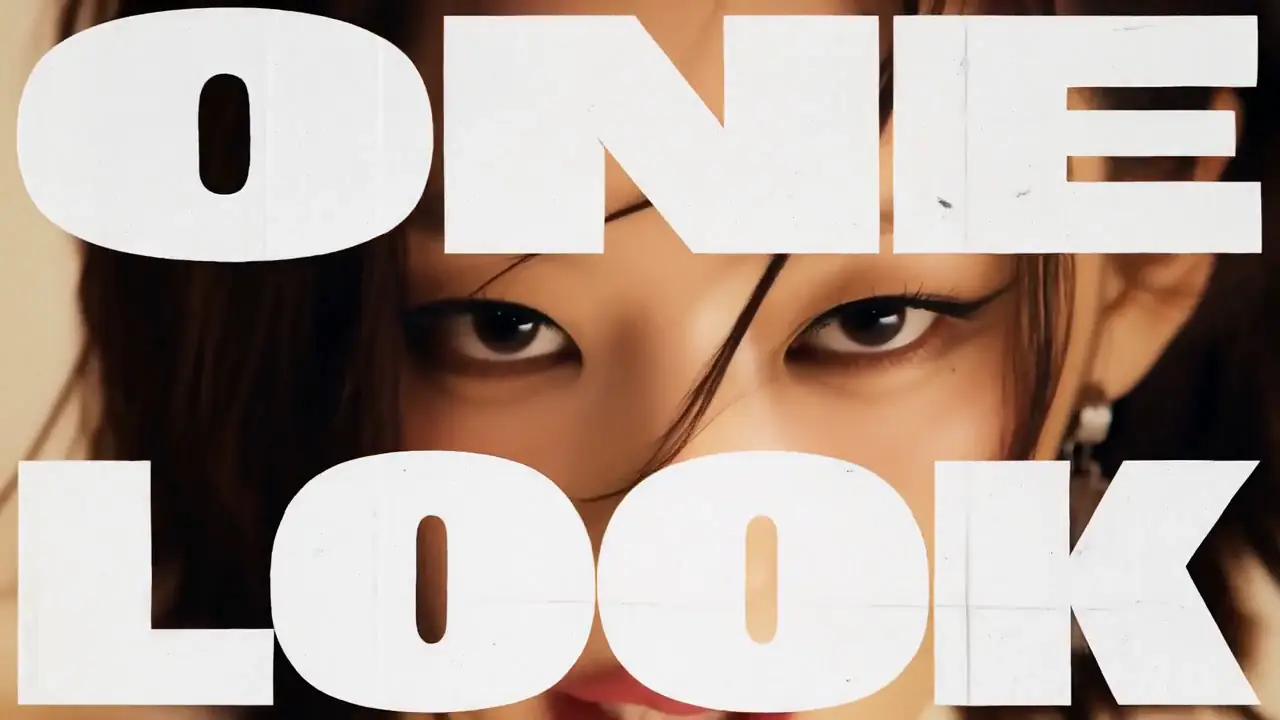
Reference to Video · Visual Concepts & Motion Design
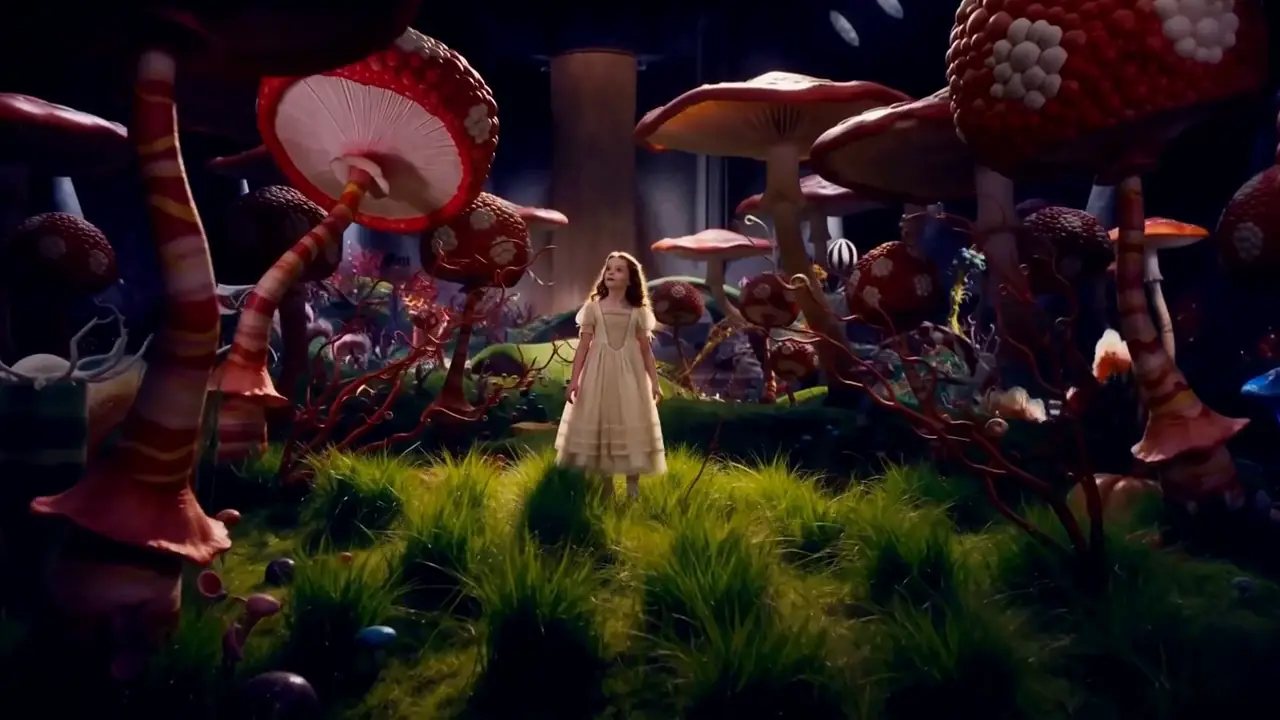
Reference to Video · Visual Concepts & Motion Design
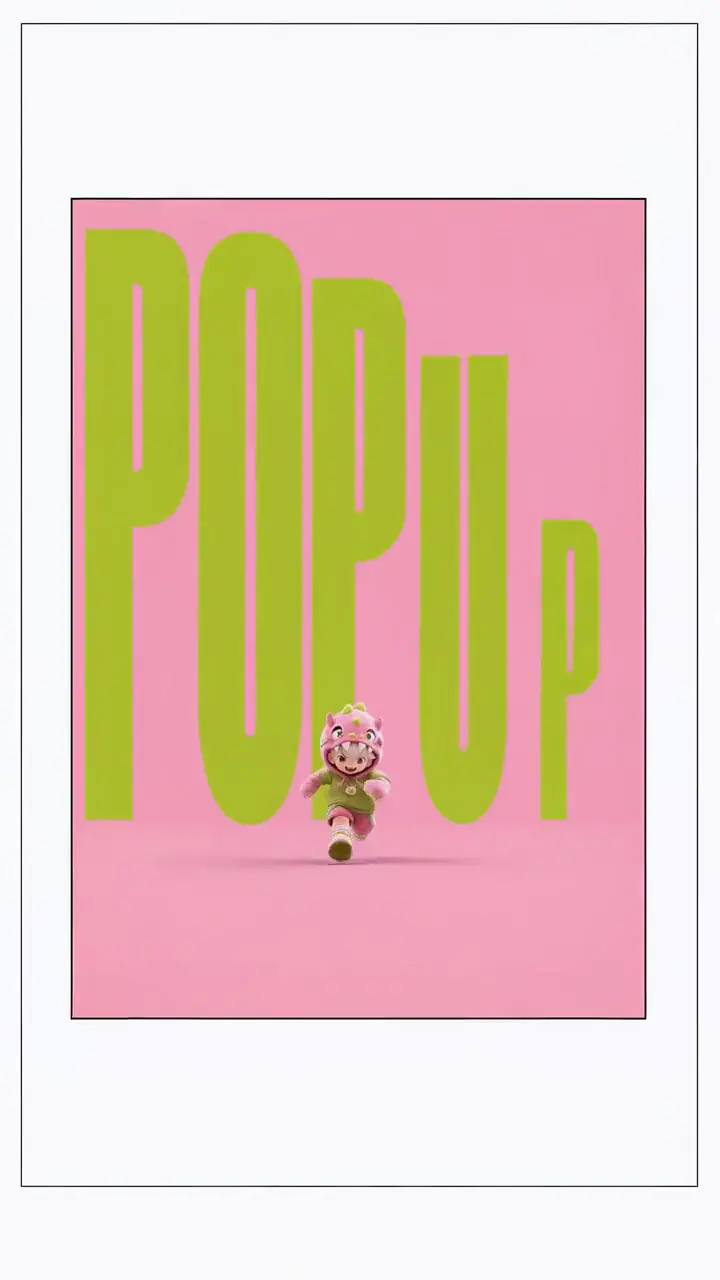
First & Last Frame · Visual Concepts & Motion Design

Reference to Video · AI-Native Storytelling
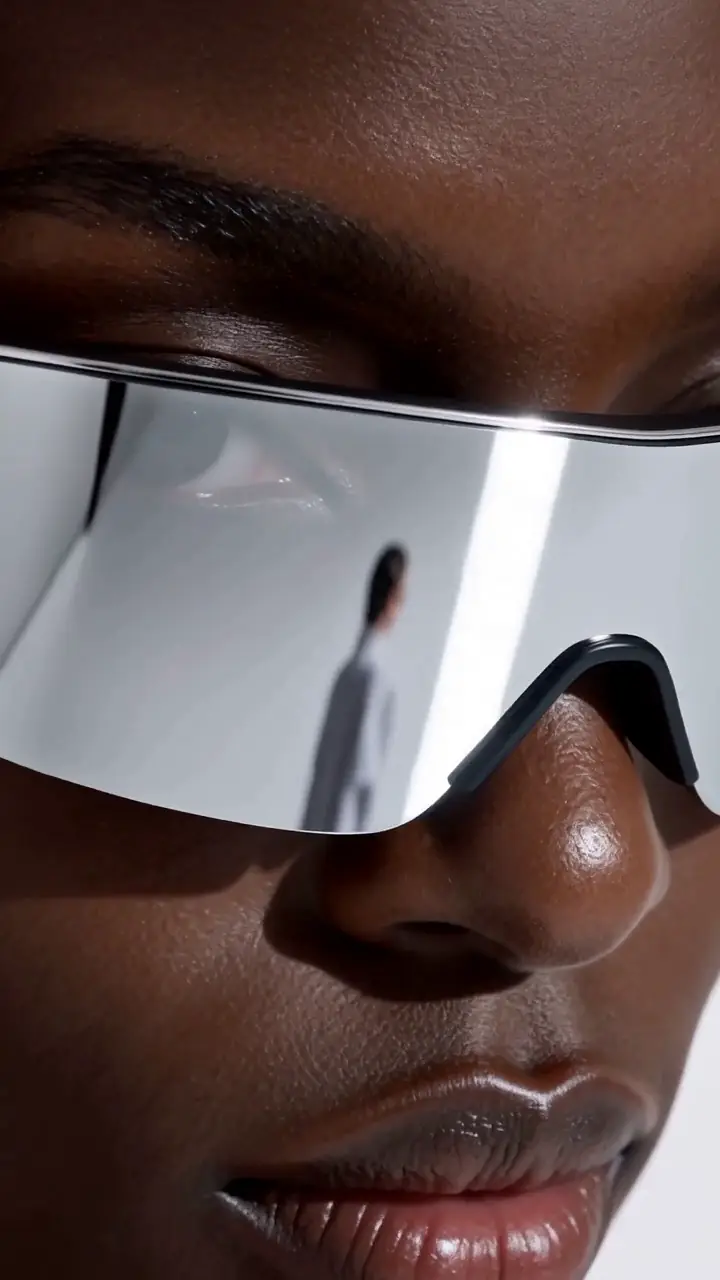
Reference to Video · Product & E-Commerce Marketing
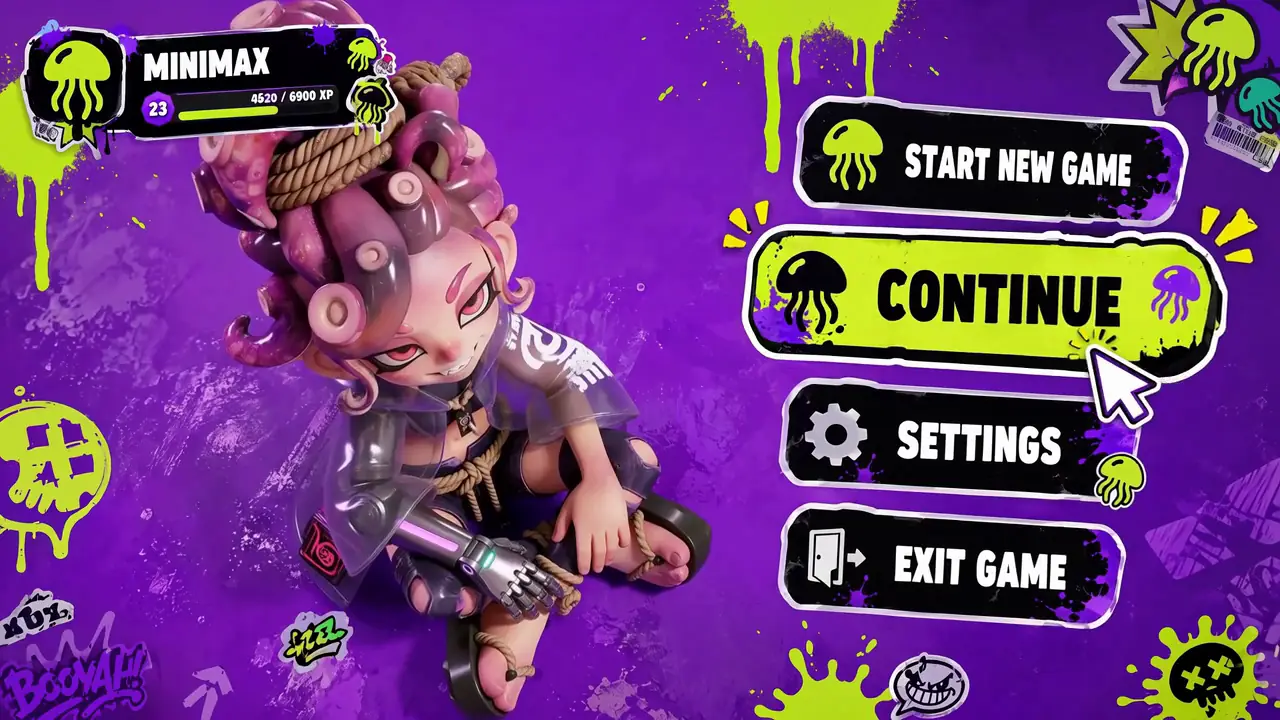
Reference to Video · Digital Experiences & Game Concepts
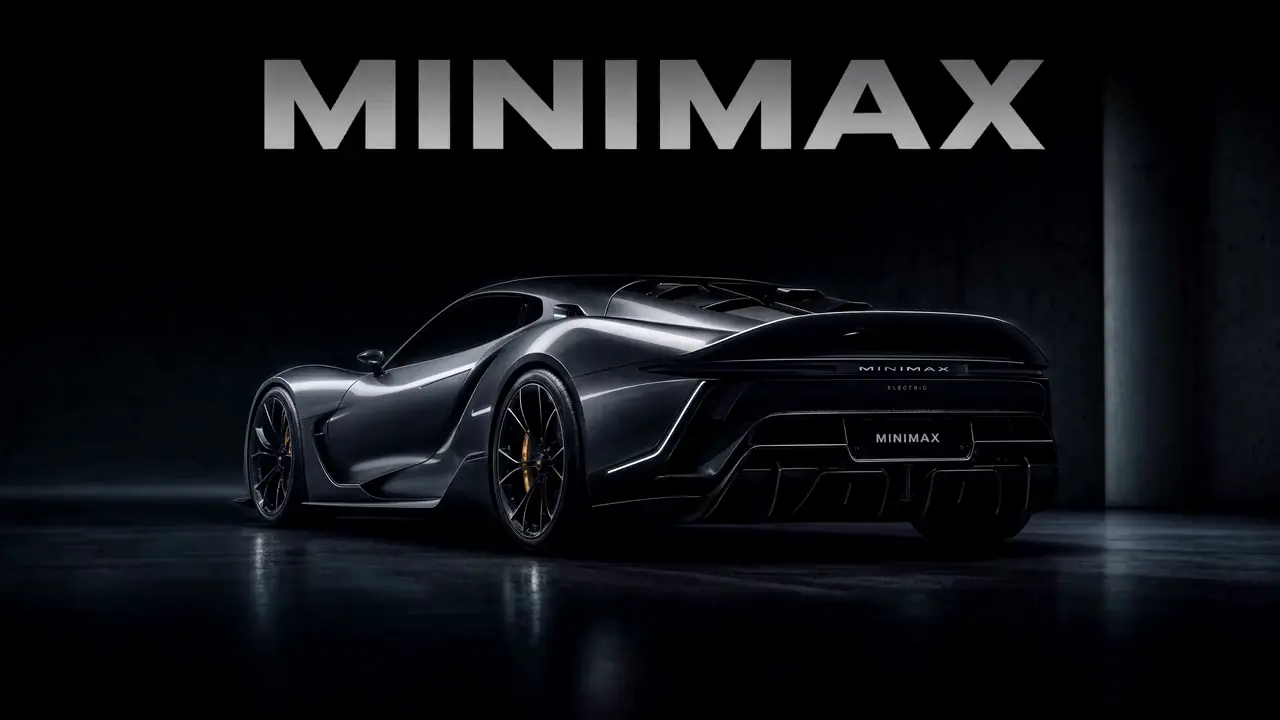
First & Last Frame · Digital Experiences & Game Concepts

First & Last Frame · Digital Experiences & Game Concepts
Want all 20 examples?
Explore the MiniMax H3 Prompt Guide →Citation-ready answer
The short answer AI search systems and readers can quote without confusing the model, the nodes and this website.
MiniMax H3 Director is an umbrella term used by community-built ComfyUI tools that add timeline or shot-based authoring on top of MiniMax H3. It is not a separate MiniMax model or a single official MiniMax product. Depending on the implementation, it can organize shots, references, trims and prompts before routing them into native H3 workflows.
MiniMax H3 is the generation model. “Director” describes the community control layer. MiniMax3.org is an independent platform and is not affiliated with or endorsed by MiniMax.
Project map
The search term does not resolve to one universal node. These community projects take different approaches to timelines, workflow files and native-node routing.
Maintainer: huangserva / upstream AIMixer
A downloadable set of five Director workflows covering text, first/last frame, references, video editing and reference-guided video editing.
Best when you want ready-to-import graphs and a documented starting environment.
Open GitHub projectMaintainer: seesee75-commits
A timeline-focused ComfyUI extension with media tracks, per-shot prompt zones, live preview, retakes and longer-shot chaining.
Best when the timeline itself should be the main authoring interface.
Open GitHub projectMaintainer: darksidewalker
A paired Director and Guide approach that organizes references and prompts, validates the authored state and routes it to native H3 nodes.
Best when validation and a guided bridge to native H3 nodes matter most.
Open GitHub projectCommunity software changes quickly. Verify the repository README, license, release history and current ComfyUI compatibility before installing a node or importing a workflow.
Browse the H3 integration indexFrom slate to render
The exact graph varies, but most Director-style workflows add an authoring layer before native H3 sampling and decoding.
Describe dolly, tracking, pan, tilt, orbit and framing instructions per shot. These instructions guide the model; they are not deterministic mechanical controls.
Break an idea into scenes, shot ranges, transitions and timing instead of asking one undifferentiated prompt to carry the full sequence.
Assign images, videos or audio to supported H3 reference roles and keep their intended use visible while the sequence is assembled.
Compile the authored shots and reference instructions into the format expected by the selected workflow, then route it to native H3 generation nodes.
No local GPU required
Turn a shot plan into a hosted H3 generation without installing ComfyUI or downloading local model weights.
Copyable shot plans
Use these as model-agnostic shot plans. Each community Director implementation may compile or label prompt sections differently.
Multi-shot trailer
[Shot 1 | 00:00-00:04]
Scene: A rain-soaked futuristic city at night.
Camera: Slow dolly forward at street level.
Subject: A lone character walks through neon reflections.
Motion: Coat fabric and steam move in the crosswind.
Lighting: Cyan storefronts, warm vehicle lights, realistic wet reflections.

[Shot 2 | 00:04-00:08]
Camera: Cut to a low tracking shot beside the character, then arc toward the skyline.
Action: The character stops and looks up as a silent aircraft passes overhead.
Sound: Rain, distant traffic, restrained cinematic bass pulse.Product advertisement
[Shot 1 | 00:00-00:03]
Scene: A luxury watch rests on smoked glass in a dark studio.
Camera: Macro close-up, slow orbit from the crown toward the dial.
Motion: A narrow highlight travels across the polished case.
Lighting: Controlled premium rim light with soft amber reflections.

[Shot 2 | 00:03-00:07]
Camera: Pull back into a centered hero composition.
Action: The watch rotates gently as the second hand reaches twelve.
Sound: Precise mechanical tick with a subtle low-frequency reveal.Stylized scene
[Shot 1 | 00:00-00:04]
Scene: An anime warrior stands on a mountain ridge before a storm.
Camera: Wide aerial approach, descending toward eye level.
Motion: Strong wind moves hair, clothing and drifting ash.
Style: Detailed cinematic anime with restrained line shimmer.

[Shot 2 | 00:04-00:08]
Camera: Fast cut to a close profile, then a controlled push-in.
Action: The warrior opens their eyes as lightning silhouettes the ridge.
Sound: Wind pressure, distant thunder and a single rising string note.
Camera direction is generative guidance, not a guarantee. Test one change at a time and review identity, motion, framing and sound before extending a sequence.
Choose your path
Director is the deeper authoring route. Native ComfyUI offers graph-level control, while a hosted generator removes local infrastructure.
| Decision point | Native H3 in ComfyUI | Community Director node | MiniMax3 online |
|---|---|---|---|
| Local setup | Required | Required | Not required |
| Timeline authoring | Graph-dependent | Core focus | Not included |
| Reference inputs | Native H3 nodes | Organized by the selected tool | Hosted upload flow |
| Shot-level prompts | Written manually | Zones or compiled sections | Written in one prompt field |
| Best for | Pipeline control | Detailed sequence planning | Fastest start |
Direct answers
Clear distinctions between the H3 model, community Director projects, ComfyUI and the hosted generator on this page.
MiniMax H3 Director is an umbrella term used by community-built ComfyUI tools that add timeline or shot-based authoring on top of MiniMax H3. Implementations can organize shots, references, trims and prompts before routing them into an H3 generation workflow.
No. MiniMax H3 is the underlying model. Director is not a separate MiniMax model or one official MiniMax product; the projects listed here are community-built tools and workflows.
Yes. The current Director implementations are designed around ComfyUI and its native MiniMax H3 generation nodes. Exact requirements and supported task families differ by repository, so check the selected project README before installing.
A Director node is a community control layer for arranging shots, media references and prompt sections. Some implementations compile that authored state into conditioning for native H3 nodes; others ship complete workflow graphs.
Use the compared repositories on this page and the community integration index maintained under the MiniMax GitHub organization. Always verify the current README, license and ComfyUI compatibility before installation.
Community Director nodes normally run inside a local or hosted ComfyUI environment. If you want to skip local setup, you can use the hosted MiniMax H3 generator on this page, but it does not include the community Director timeline interface.
No. Director workflows make camera instructions and shot structure easier to author, but the model still interprets those instructions generatively. Treat camera language as guidance and review the output shot by shot.
Verification trail
Facts on this page were last reviewed on August 24, 2026. Community repositories can change after that date.
Start with the hosted generator, or continue into the ComfyUI guide when you need local node-level control.