01 / Agent Layer

MiniMax H3 Skills Guide · Verified Aug 23, 2026

MiniMax H3 Skills: 9 Official Skills, Installation & Examples

MiniMax H3 includes an official Skills collection for AI agents and video-generation workflows. The current collection contains one general H3 Prompt Writing Skill plus eight style-specific video-generation Skills. This guide shows what H3 Skills are, how to list and install them from the official repository, how the Prompt Writing Skill differs from a normal prompt template, and how to turn Skill output into an actual MiniMax H3 video.

What Are MiniMax H3 Skills?

MiniMax H3 Skills are reusable instruction packages in the official MiniMax H3 repository that help compatible AI agents perform H3-specific tasks. Instead of giving an agent a one-off prompt, a Skill packages reusable instructions for a repeatable workflow. The current official collection includes one general H3 Prompt Writing Skill and eight style-specific video-generation Skills.
Official sourceMiniMax-AI / MiniMax-H3 SkillsVerified Aug 23, 2026

How Many Official MiniMax H3 Skills Are There?

The current official MiniMax H3 repository contains nine Skills: one general H3 Prompt Writing Skill and eight style-specific video-generation Skills. The Prompt Writing Skill focuses on creating stronger H3 generation instructions, while the style-specific Skills package reusable guidance for particular video aesthetics or production approaches.
9Official H3 Skills
1General Prompt Writing Skill
8Style-specific video-generation Skills
Official repository

Official MiniMax H3 Skills

Official MiniMax H3 Skills
SkillTypePrimary purposeSource
h3-prompt-writingPrompt engineeringCreate structured MiniMax H3 video promptsOfficial ↗
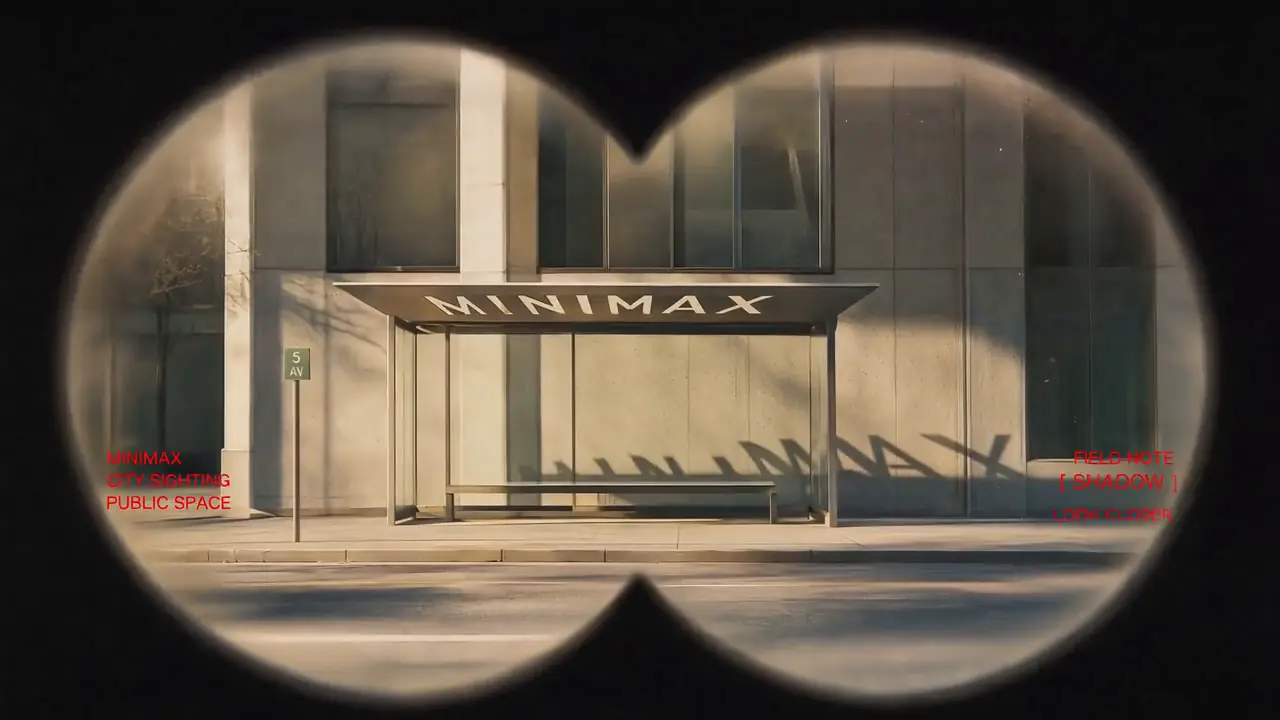
minimalist-product-ad-generatorVideo style SkillTurn product images and ad requirements into clean, minimalist product ad shorts for e-commerce promotion and product launches.Official ↗
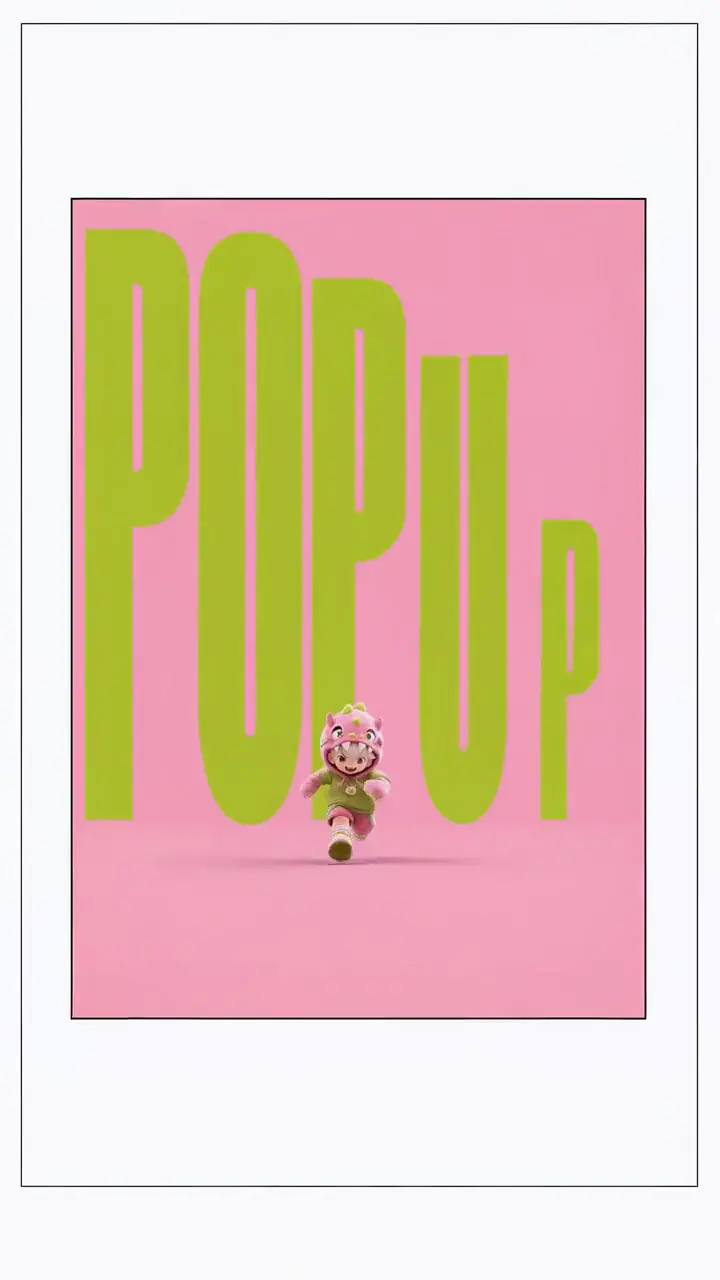
3d-animation-short-generatorVideo style SkillCreate complete stylized 3D animated shorts from a story idea through an ordered production workflow.Official ↗
papercraft-stop-motion-explainerVideo style SkillExplain science, education, or general knowledge through tactile handmade papercraft visuals.Official ↗
brand-promo-video-generatorVideo style SkillProduce promotional content for brands, products, websites, apps, shops, or personal projects.Official ↗
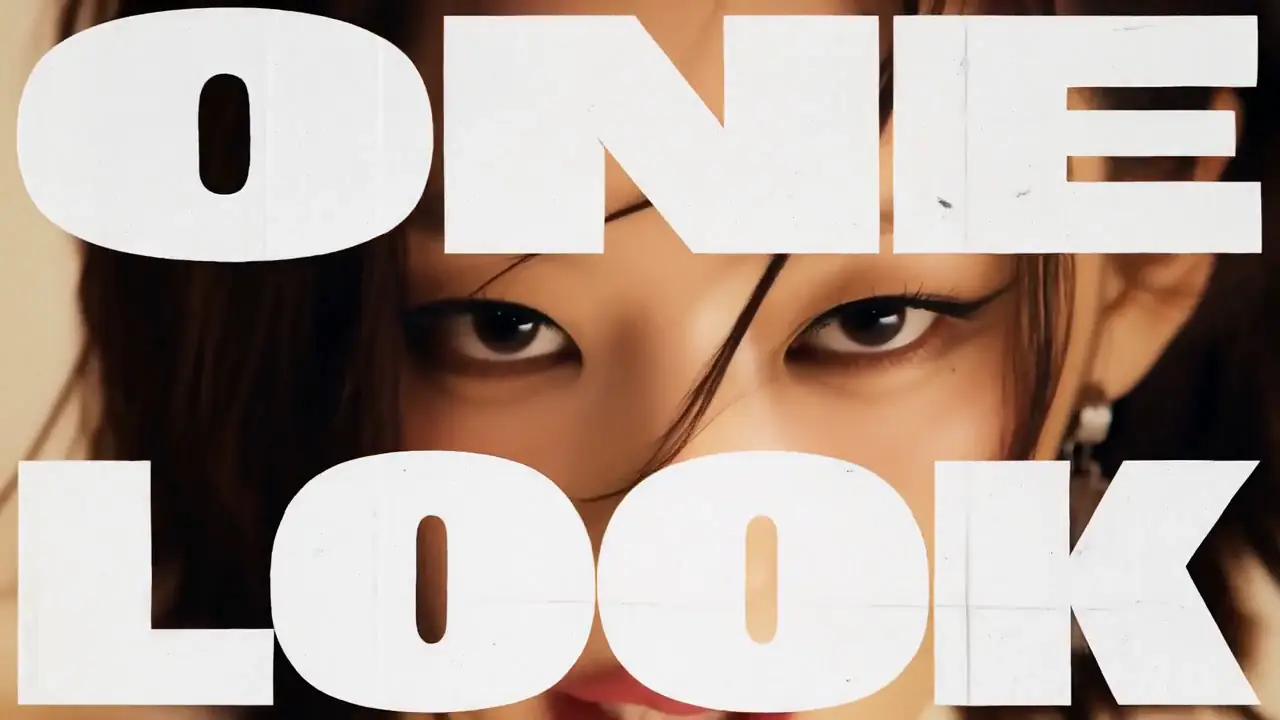
music-video-subtitle-generatorVideo style SkillProduce AI music videos or emotional short films with lyric typography.Official ↗
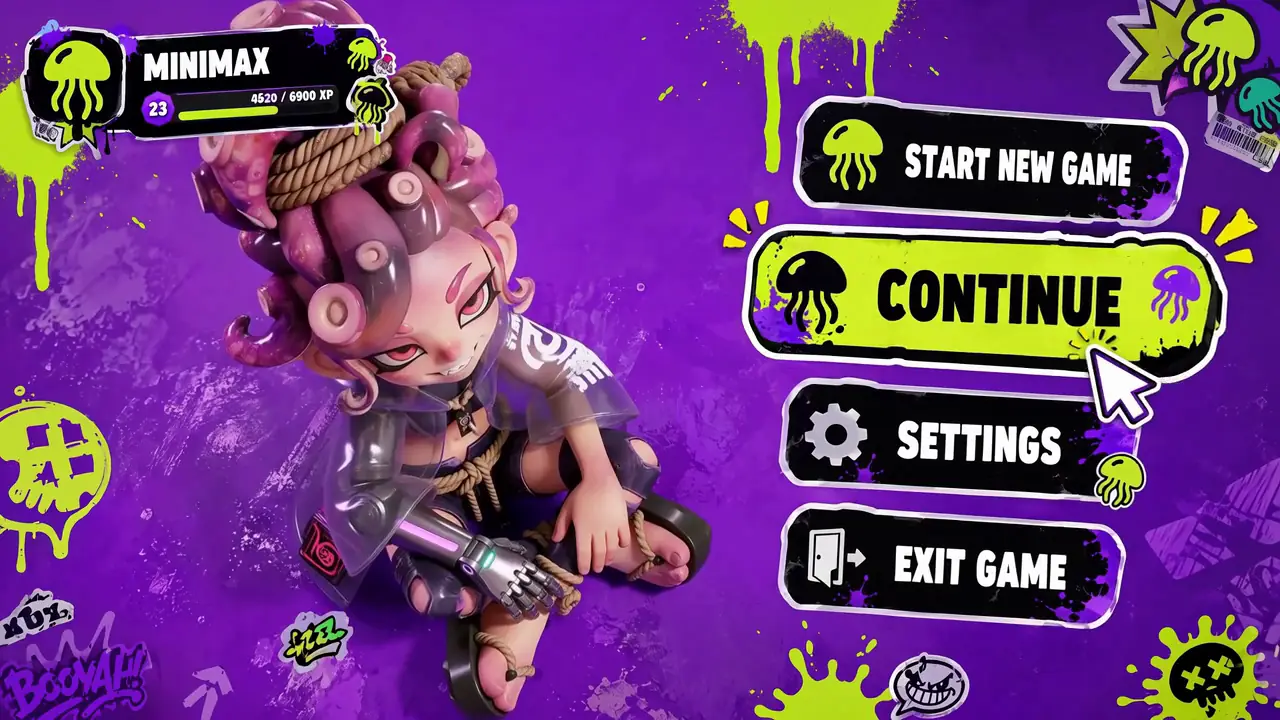
co-op-game-intro-generatorVideo style SkillCreate a two-player co-op game menu or opening animation.Official ↗
paper-collage-explainer-generatorVideo style SkillGive narration, knowledge points, opinions, or abstract topics a tactile paper-collage language.Official ↗
handdrawn-live-video-generatorVideo style SkillCreate surreal short videos that blend rough glowing hand-drawn animation with live-action spaces.Official ↗
These Skills are instructions for compatible AI agents; they are not separate MiniMax H3 model checkpoints. Installing a Skill does not download a new H3 video model or change the underlying H3 weights.

MiniMax H3 Skills — Quick Facts

MiniMax H3 Skills quick facts
FactAnswer
Official Skills currently available9
General prompt Skill1
Style-specific video Skills8
Official sourceMiniMax H3 repository
Are Skills H3 model weights?No
Do Skills replace H3 prompts?No — they help create or structure them
Do Skills generate video by themselves?No — a generation model/service still runs the video
Can Skill output be used in MiniMax3?Yes, when the output is a compatible H3 prompt
Main install methodOfficial Skills tooling / repository instructions

What MiniMax H3 Skills Are — and What They Are Not

Skill

A reusable instruction package that teaches a compatible AI agent how to perform an H3-specific task.

Prompt

The actual generation instruction sent to MiniMax H3 for a particular video.

Workflow

The sequence of generation steps, nodes or operations used to produce the video.

Model

The MiniMax H3 weights and inference system that perform the actual video generation.

A MiniMax H3 Skill can help an agent create or organize a prompt, but the Skill itself is not the H3 model and does not render video. The final prompt still needs to be executed by a MiniMax H3 generation workflow or hosted H3 generator.

How to Install MiniMax H3 Skills

List the available H3 Skills before installing one. This lets you verify the current Skill names from the official MiniMax H3 repository instead of relying on an outdated third-party list.

npx skills add https://github.com/MiniMax-AI/MiniMax-H3 --list

Select the Skill you want using the installation flow documented by the current Skills CLI and official MiniMax H3 repository.

Before You Install

  • Confirm you are using the official MiniMax H3 repository
  • List the current Skills before selecting one
  • Read the Skill's own instructions
  • Confirm your AI agent supports the relevant Skill format
  • Do not assume installing a Skill downloads MiniMax H3 model weights
  • Keep the Skill source URL visible for future updates
Skills can change independently from H3 model weights. Treat the repository as the current source of truth for Skill names, instructions and installation behavior.

MiniMax H3 Prompt Writing Skill

Official Skill
The H3 Prompt Writing Skill is the general-purpose Skill in MiniMax's official collection for creating stronger MiniMax H3 generation prompts. Its role is to help a compatible AI agent translate a user's creative intent into a more structured H3 prompt. The Skill does not generate the video itself; it produces instructions that can then be sent to a MiniMax H3 generation workflow.
Open MiniMax H3 Prompt Guide

H3 Prompt Writing Skill vs a Normal Prompt

H3 Prompt Writing Skill compared with a normal prompt
H3 Prompt Writing SkillNormal H3 Prompt
Reusable agent instructionsYesNo
Specific to one generationNoUsually
Produces guidance/promptsYesIs the generation instruction
Requires compatible agentYesNo
Generates video itselfNoNo
Sent to H3 model directlyUsually its output isYes
Best forRepeatable prompt creationOne video request
The H3 Prompt Writing Skill is a reusable method for producing prompts; a normal H3 prompt is the actual instruction for one generation. They solve different layers of the workflow.

MiniMax H3 Skills vs Prompts vs Workflows

Skills, prompts, workflows and models
LayerWhat it controlsExample purpose
SkillHow an AI agent approaches an H3 taskGenerate a structured cinematic prompt
PromptWhat MiniMax H3 should createDescribe the actual shot
WorkflowHow the generation is executedH3 FL2VA / Ref2VA / ComfyUI graph
ModelThe generation engineMiniMax H3
Think of a Skill as reusable expertise, a prompt as the specific creative instruction, a workflow as the execution path, and MiniMax H3 as the model that performs the generation.

How MiniMax H3 Skills Fit Into Video Generation

Creative IdeaMiniMax H3 SkillAI AgentStructured H3 PromptMiniMax H3 GeneratorVideo
MiniMax H3 Skills sit before the actual video-generation stage. A compatible AI agent uses the Skill to interpret the task and create a structured output. That output can then become the prompt or workflow guidance used by MiniMax H3.

Can MiniMax H3 Skills Work With Claude Code, Codex or Cursor?

MiniMax H3 Skills are designed for compatible AI-agent workflows, but compatibility depends on whether the specific agent or development environment supports the Skill format and installation method being used. Do not claim universal compatibility with Claude Code, Codex, Cursor or another agent unless the current official Skill tooling explicitly supports that environment. When in doubt, verify the current Skills CLI and agent documentation.

What Are the 8 MiniMax H3 Video Style Skills?

The official H3 collection includes eight style-specific video-generation Skills in addition to the general Prompt Writing Skill. These Skills package reusable guidance for particular video styles or creative workflows so an AI agent can apply a more consistent approach than a one-off generic instruction.

minimalist-product-ad-generator

Purpose
Turn product images and ad requirements into clean, minimalist product ad shorts for e-commerce promotion and product launches.

Type · Official video style Skill

Official source ↗

3d-animation-short-generator

Purpose
Create complete stylized 3D animated shorts from a story idea through an ordered production workflow.

Type · Official video style Skill

Official source ↗

papercraft-stop-motion-explainer

Purpose
Explain science, education, or general knowledge through tactile handmade papercraft visuals.

Type · Official video style Skill

Official source ↗

brand-promo-video-generator

Purpose
Produce promotional content for brands, products, websites, apps, shops, or personal projects.

Type · Official video style Skill

Official source ↗

music-video-subtitle-generator

Purpose
Produce AI music videos or emotional short films with lyric typography.

Type · Official video style Skill

Official source ↗

co-op-game-intro-generator

Purpose
Create a two-player co-op game menu or opening animation.

Type · Official video style Skill

Official source ↗

paper-collage-explainer-generator

Purpose
Give narration, knowledge points, opinions, or abstract topics a tactile paper-collage language.

Type · Official video style Skill

Official source ↗

handdrawn-live-video-generator

Purpose
Create surreal short videos that blend rough glowing hand-drawn animation with live-action spaces.

Type · Official video style Skill

Official source ↗

When Should You Use a MiniMax H3 Skill?

  • You repeatedly create the same type of H3 prompt
  • You want an AI agent to follow consistent H3 instructions
  • You want a reusable style-specific prompting method
  • You want to reduce prompt-writing variation between sessions
  • You want to turn a creative brief into a structured H3 prompt
  • You are building an agent-assisted H3 workflow
Use an H3 Skill when the method should be reusable. Use a normal prompt when you only need instructions for one generation.

When Don't You Need a MiniMax H3 Skill?

  • You already know the exact H3 prompt you want
  • You are making a one-off generation
  • Your environment does not support the Skill format
  • You only need to run an existing ComfyUI workflow
  • You are troubleshooting model or GPU issues rather than prompt construction
Skills are workflow helpers, not a required dependency for MiniMax H3 generation. You can use MiniMax H3 without installing any Skill.

Do MiniMax H3 Skills Improve the H3 Model Itself?

Skill ≠ model weights
No. MiniMax H3 Skills do not modify the H3 model weights or upgrade the underlying video model. A Skill changes how a compatible AI agent approaches a task, such as writing or structuring a prompt. Video quality can improve when better instructions produce a better generation request, but the Skill does not retrain, fine-tune or replace MiniMax H3.

MiniMax H3 Skill vs LoRA

H3 Skill compared with H3 LoRA
H3 SkillH3 LoRA
Changes model weightsNoInfluences model behavior through adapter weights
Agent instructionsYesNo
Requires model loadingNo H3 weights inside SkillLoRA must be used by generation stack
Main purposeReusable agent behaviorModel adaptation / style or behavior
Installed into agent workflowYesNo
Used during inferenceIndirectly through generated prompt/guidanceYes
A Skill changes instructions; a LoRA changes the generation stack. They should not be treated as interchangeable MiniMax H3 customization methods.
MiniMax H3 LoRA Guide

MiniMax H3 Skill vs ComfyUI Workflow

A MiniMax H3 Skill tells an AI agent how to approach a task, while a ComfyUI workflow tells the generation system how nodes and models should execute the task. A Skill may help create the prompt or workflow guidance, but it does not replace the H3 model graph.
MiniMax H3 Workflow Library

Example: From H3 Skill to Video

1. Creative brief

“Create a cinematic luxury-car commercial at night.”

2. H3 Skill

A compatible AI agent applies the relevant H3 prompting or style instructions.

3. Structured prompt

The agent returns a detailed H3 generation prompt containing the scene, subject, motion, camera behavior and audiovisual direction required by the Skill.

4. Generate

Paste the final prompt into a MiniMax H3 generator and generate the video.

Continue Your MiniMax H3 Workflow

Learn H3 Prompting

Understand how to structure MiniMax H3 prompts manually.

MiniMax H3 Prompt Guide

Run H3 Locally

Check your GPU, VRAM and RAM before running local H3.

MiniMax H3 Local Guide

Build a ComfyUI Workflow

Use a node-based local generation setup.

MiniMax H3 ComfyUI Guide

Download H3 Workflows

Choose the execution path for your prompt.

H3 Workflow Library

Turn Your H3 Skill Output Into a Video

A MiniMax H3 Skill becomes useful when its output reaches the generation stage. After your AI agent creates a structured H3 prompt, you can paste that prompt into the hosted MiniMax H3 generator below without installing local model weights or configuring ComfyUI.

Try Your MiniMax H3 Prompt

Paste the final prompt produced by your H3 Skill or AI agent into the hosted MiniMax H3 generator. The generator runs the supported H3 workflow on remote infrastructure, so the Skill and video-generation stages remain separate.

Input
First frame (optional)0/1
Last frame (optional)0/1
0/2500
2K
4s
Est. cost: ~48 creditsBalance: credits

Checking your account…

OutputVideo
History
MiniMax H3 2K image-to-video: family dinner with ramen bowlMiniMax H3 sample output

MiniMax H3 Skills FAQ

01What are MiniMax H3 Skills?

MiniMax H3 Skills are reusable instruction packages from the MiniMax H3 repository that help compatible AI agents perform H3-specific tasks. They can guide tasks such as structured prompt writing or style-specific video prompting, but they are not MiniMax H3 model weights.

02How many official MiniMax H3 Skills are there?

The current official collection contains nine MiniMax H3 Skills: one general H3 Prompt Writing Skill and eight style-specific video-generation Skills. If the official repository changes this number, the repository should be treated as the current source of truth.

03What is the MiniMax H3 Prompt Writing Skill?

The H3 Prompt Writing Skill is the general-purpose Skill for helping a compatible AI agent create structured MiniMax H3 prompts. It packages reusable prompt-writing instructions so the agent can apply a consistent H3-oriented method across multiple requests.

04Do MiniMax H3 Skills generate video?

No. MiniMax H3 Skills do not render video by themselves. A Skill helps an AI agent produce instructions, prompts or workflow guidance. The resulting prompt still needs to be executed by MiniMax H3 through a local or hosted generation workflow.

05Do H3 Skills download the MiniMax H3 model?

No. Installing a Skill does not download the MiniMax H3 video model weights. Skills and model checkpoints are separate parts of the workflow.

06Are MiniMax H3 Skills official?

The Skills listed in the official MiniMax H3 repository are official repository resources. Community-created Skills should be labeled separately and should not be presented as part of the official MiniMax collection.

07How do I list MiniMax H3 Skills?

Use the current Skills CLI command documented by the official MiniMax H3 repository to list the available Skills before installing one. This prevents outdated third-party lists from becoming the source of truth.

08Do MiniMax H3 Skills work with Claude Code?

Compatibility depends on the Skill format and the agent environment being used. Do not assume universal Claude Code support unless the current Skills tooling or agent documentation confirms that workflow.

09Do MiniMax H3 Skills work with Codex?

MiniMax H3 Skills can be useful in compatible agent workflows, but direct Codex compatibility should be verified against the current Skill format and tooling. The existence of a Skill does not automatically mean every AI coding agent supports the same installation mechanism.

10What is the difference between an H3 Skill and an H3 prompt?

A Skill is reusable guidance for an AI agent, while a prompt is the specific instruction used for one MiniMax H3 generation. A Skill can help produce many prompts; a normal prompt usually describes one requested video.

11What is the difference between an H3 Skill and a ComfyUI workflow?

An H3 Skill guides agent behavior, while a ComfyUI workflow defines how generation nodes and models execute. The Skill may help create the prompt, but the ComfyUI graph performs the actual local generation process.

12What is the difference between an H3 Skill and LoRA?

A Skill changes reusable instructions, while a LoRA changes the generation stack through adapter weights. Installing an H3 Skill does not modify MiniMax H3 model weights.

13Do I need H3 Skills to use MiniMax H3?

No. MiniMax H3 can be used without any Skill. Skills are optional workflow helpers for users who want reusable AI-agent instructions.

14Can I use the output from an H3 Skill in an online H3 generator?

Yes, when the Skill produces a compatible MiniMax H3 prompt. Copy the final prompt into the hosted H3 generator and submit it as a normal generation request.

MiniMax H3 Skills Glossary

Skill
A reusable instruction package that teaches a compatible AI agent how to perform a specific task.
H3 Prompt Writing Skill
The official general-purpose H3 Skill for structured MiniMax H3 prompt creation.
AI Agent
A software system that can follow instructions, use tools and perform multi-step tasks.
Prompt
The specific creative instruction sent to MiniMax H3 for a generation.
Workflow
The sequence of operations used to execute the H3 generation.
ComfyUI
A node-based interface commonly used for local MiniMax H3 workflows.
LoRA
Adapter weights used to modify or specialize model behavior without replacing the full base model.
H3-Base
The core MiniMax H3 generation model stage.

Sources & Verification

What Changed?

Aug 23, 2026

  • + Added official H3 Skills directory
  • + Added H3 Prompt Writing Skill guide
  • + Added Skills installation section
  • + Added Skill vs Prompt comparison
  • + Added Skill vs Workflow comparison
  • + Added Skill vs LoRA comparison
  • + Added hosted H3 generation workflow
  • + Added ChatGPT-ready Skills definitions

Turn MiniMax H3 Skills Into Video

Build the Prompt

Use the official H3 Skills and prompt guide to create structured MiniMax H3 instructions.

Open H3 Prompt Guide

Generate the Video

Paste the finished H3 prompt into the hosted MiniMax H3 generator.

Generate MiniMax H3