
Before video
Source motion + camera
After video
MiniMax H3 Recast · 01
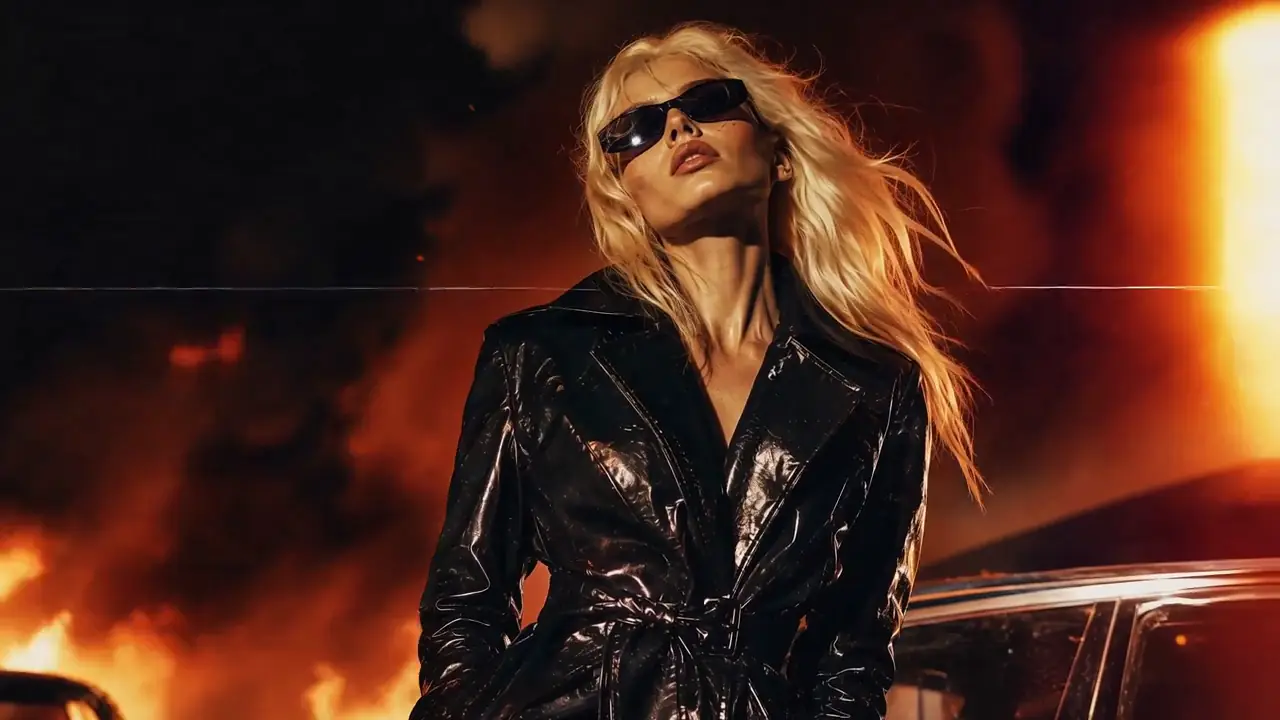
Cyberpunk Street Recast
- Workflow
- Video-to-Video
- Model
- MiniMax H3
- Input
- Reference Video
- Industry
- Creative Advertising
motionstyleenvironment
Video-to-video transformation
Upload a source video, describe the new look, and keep the motion that already works.
Recast workspace
Reference Video → New Video
MP4 / MOV / MKV, up to 3 files, 50MB each
Recommended for testing prompts and first drafts.
2K output is available on the 2K tier only.
Checking your account…
Character transformation
Style transformation
Scene recreation
Motion preservation
Direct answer
MiniMax H3 Recast is an AI video transformation workflow that uses MiniMax H3 video generation capabilities to recreate existing videos. A source video can guide motion, camera movement, timing, and scene behavior while prompts define the desired transformation.
Five-stage workflow
Source Video
Motion Understanding
Prompt Direction
AI Transformation
New Generated Video
Motion · camera behavior · timing · performance
Style · environment · character · creative direction
Recast recipes
These workflow recipes pair a source-video brief with a representative H3 output preview. They are creative starting points, not controlled before-and-after benchmark claims.
Source motion + camera
MiniMax H3 Recast · 01
Source motion + camera
MiniMax H3 Recast · 02
Source motion + camera
MiniMax H3 Recast · 03
Transform existing product videos into new campaigns.
Change character appearance while preserving movement.
Turn existing footage into new environments.
Create multiple versions of short videos.
| Workflow | Best For | Main Input |
|---|---|---|
| Text-to-Video | Create from ideas | Prompt |
| Image-to-Video | Animate images | Image |
| Reference-to-Video | Combine multiple references | Image + Video + Audio |
| Recast | Transform existing videos | Source Video |
Need several assets to control identity, motion, voice, and style separately? Use MiniMax H3 Reference-to-Video.
“Replace the character appearance while preserving body movement and camera motion.”
“Transform this city scene into a futuristic cyberpunk world while keeping the original camera movement.”
“Convert this product video into a premium cinematic advertisement.”
MiniMax H3 Recast is a video-to-video workflow for recreating an existing video with a new character, style, environment, or creative direction while using the source clip to guide motion, timing, and camera behavior.
Yes. Upload an existing source video, explain what should change, and identify the motion, timing, performance, or camera behavior that should remain useful in the generated result.
Yes. Recast is a video-to-video transformation workflow because an existing source video is the primary input and behavioral guide for the new generation.
A Recast prompt can ask the workflow to preserve useful motion, camera movement, timing, performance, shot rhythm, or composition. Preservation is instruction-led and may vary by source and prompt.
Yes. A source video can guide body movement, gesture timing, performance, and other temporal behavior in a newly generated scene.
Yes. Describe the target visual language, lighting, materials, color treatment, and atmosphere while stating which motion and camera properties should remain.
Recast centers one existing video that you want to transform. Reference-to-Video combines multiple image, video, or audio references that can each control a different part of a new generation.
A source video can guide tracking, orbiting, handheld motion, push-ins, pull-backs, framing changes, cuts, and shot rhythm. State the camera behavior explicitly in the prompt.
The Recast generator accepts MP4 and MOV reference videos.
Yes. Use the reference video upload area in the generator, then describe the transformation you want. Only upload media you have permission to use.
The embedded workflow currently generates short-form clips. Available duration settings and source-reference limits are shown in the generator and can vary by model configuration.
MiniMax3.org offers daily check-in credits. A generation uses credits according to the selected duration, resolution, model, and reference inputs; the generator shows the current cost before generation.
Commercial use depends on your rights to the source media, uploaded references, generated content, and the applicable service terms. Review those rights before publishing or selling an output.
Choose based on the exact workflow you need and test both with the same source clip and prompt. Compare motion retention, camera consistency, edit locality, output quality, cost, and turnaround time rather than relying on a generic winner.
Run the same controlled test in both tools. Recast is positioned around source-video-led transformation; your decision should reflect motion fidelity, prompt control, workflow fit, pricing, and commercial requirements.
Upload an MP4 or MOV, describe the transformation, and use the prompt to separate what should stay from what should change.