
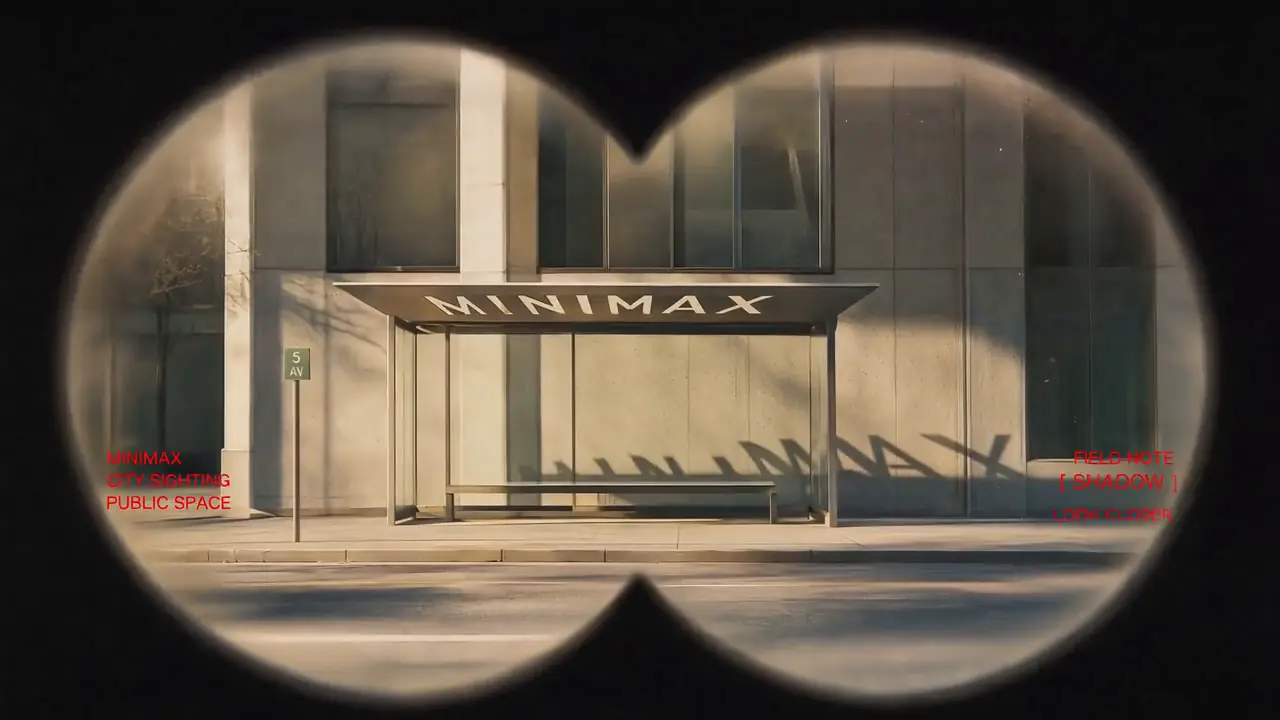
Featured Example
Vintage Binocular Brand Film
Reference to Video · Brand Films & Cinematic Content
MiniMax H3 Turbo
“MiniMax H3 Turbo” is the community shorthand for acceleration setups that run MiniMax H3 in far fewer denoising steps than the standard workflow. This page covers the main paths — Turbo LoRA, LightX2V, and step-reduced samplers — with requirements, prompting notes, and quality trade-offs.
H3-Base is the official open release. Turbo LoRA and LightX2V are community / experimental optimization layers built on top of it. They are not an official separate model.
Recommended for testing prompts and first drafts.
2K output is available on the 2K tier only.
Checking your account…

Featured real MiniMax H3 outputs — hover to preview, tap to view the prompt.
Reference to Video · Brand Films & Cinematic Content

First & Last Frame · Brand Films & Cinematic Content

Reference to Video · Brand Films & Cinematic Content

Reference to Video · Brand Films & Cinematic Content

Reference to Video · Visual Concepts & Motion Design

Text to Video · Visual Concepts & Motion Design

Text to Video · Visual Concepts & Motion Design

Reference to Video · Visual Concepts & Motion Design

Reference to Video · Visual Concepts & Motion Design

First & Last Frame · Visual Concepts & Motion Design

Reference to Video · AI-Native Storytelling
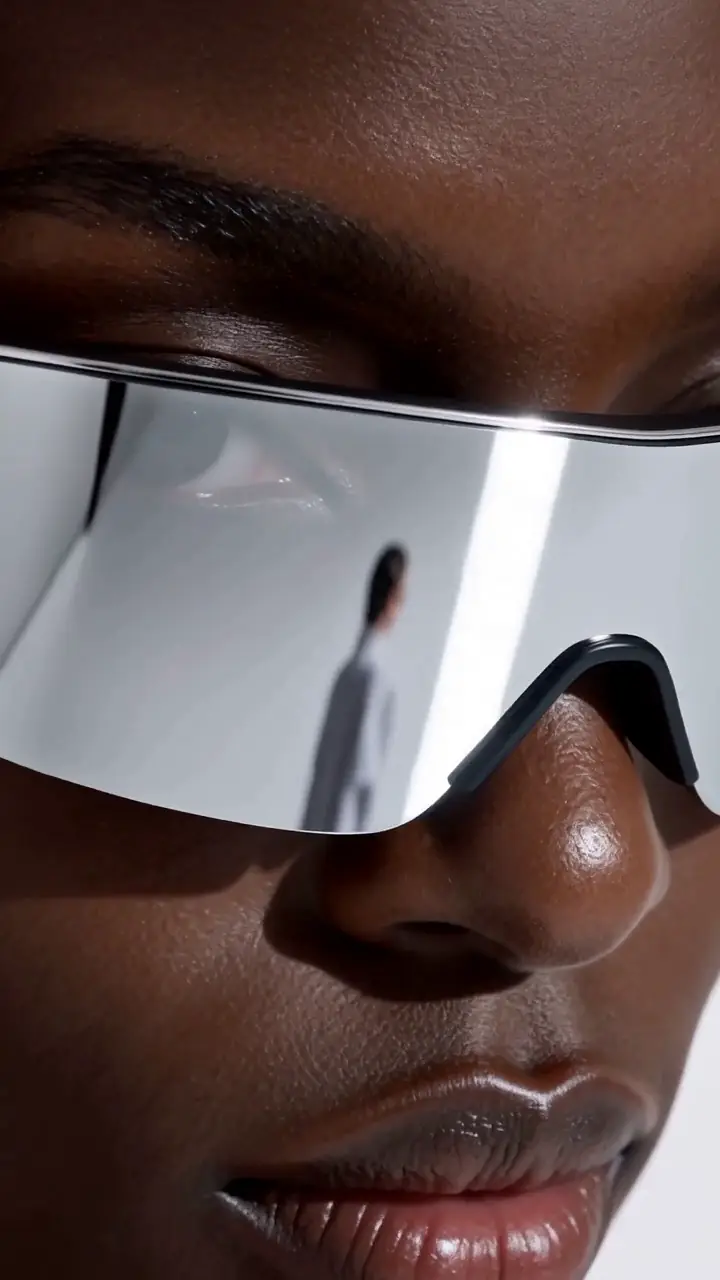
Reference to Video · Product & E-Commerce Marketing
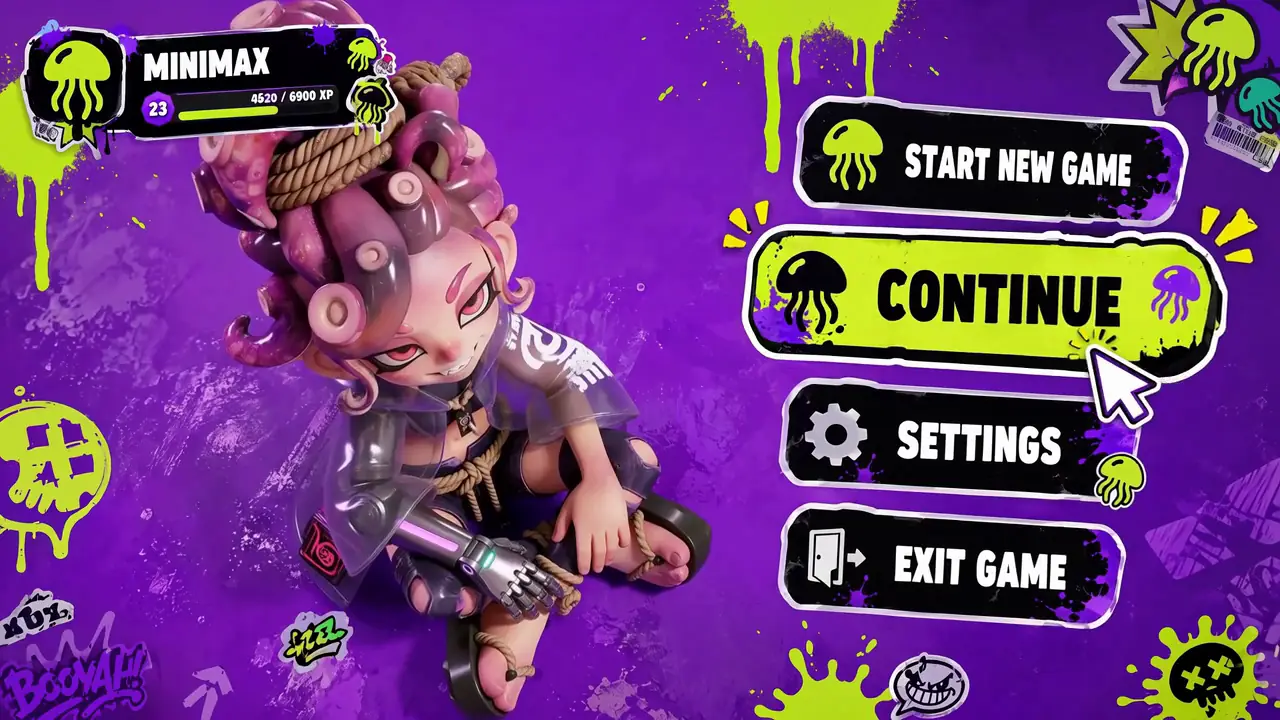
Reference to Video · Digital Experiences & Game Concepts
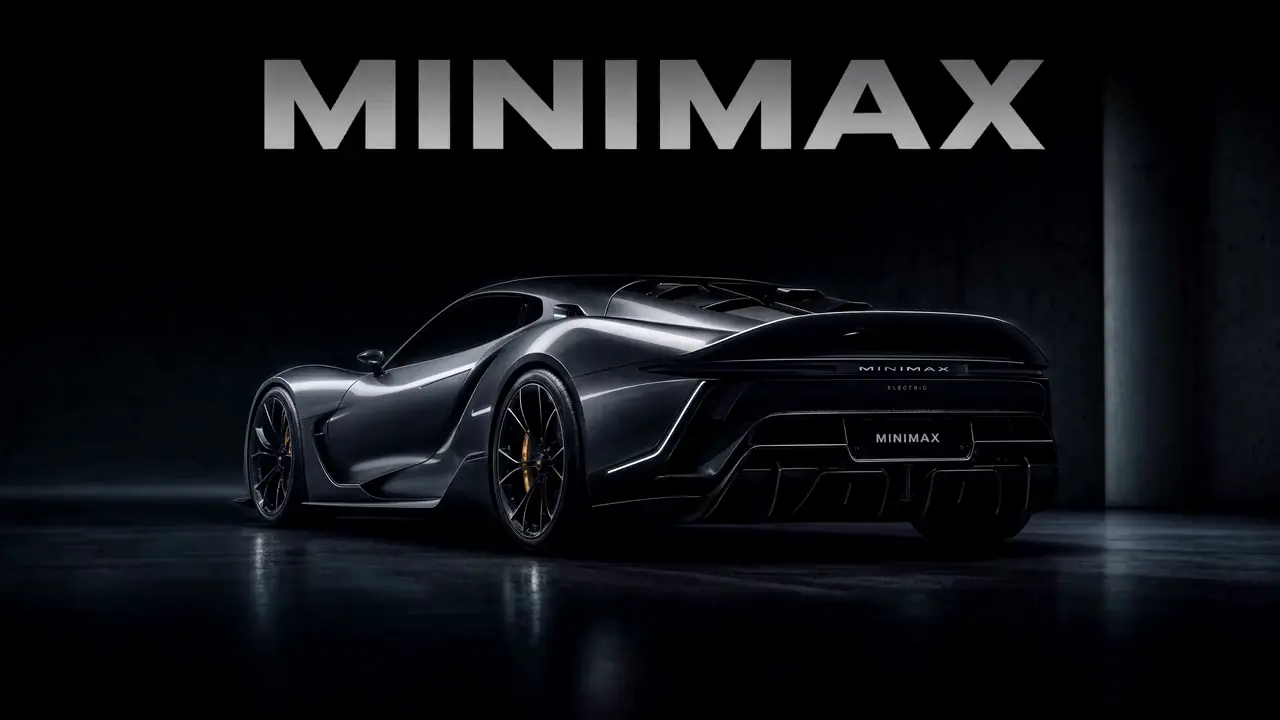
First & Last Frame · Digital Experiences & Game Concepts

First & Last Frame · Digital Experiences & Game Concepts
Want all 20 examples?
Explore the MiniMax H3 Prompt Guide →MiniMax H3 Turbo is a community label for accelerated MiniMax H3 workflows. Instead of running H3-Base for 25–40 denoising steps, a Turbo setup runs it for roughly 4–8 steps using a step-distilled LoRA or a framework like LightX2V. The result is a large, directional speedup at a small cost in fine detail and prompt adherence.
MiniMax3.org describes Turbo LoRA, LightX2V, and other step-reduction techniques as community / experimental optimizations, not part of the official MiniMax H3 release. The official open weights are H3-Base (FL2VA and Ref2VA task families).
“Turbo” is not one specific build. In practice there are four related paths, and most production setups combine at least two of them.
| Approach | What It Is | Strength | Trade-off |
|---|---|---|---|
| Turbo LoRA | A community-trained LoRA that lets H3-Base run in far fewer denoising steps (typically 4–8 instead of 25–40). | Fastest per-clip time on the same GPU. Works on top of standard H3-Base weights. | Slight loss of fine detail and prompt adherence at aggressive step counts. |
| LightX2V | An open acceleration framework that applies step-distillation and caching to text/image-to-video diffusion models, including H3. | Framework-level speedup that stacks with quantization (INT8 / FP8 / GGUF). | Requires a compatible LightX2V build and node/plugin for your runtime. |
| Step-reduction sampler | Using a fast sampler (DPM++ / UniPC / LCM-style) with reduced steps on standard weights. | No extra download. Immediate speedup by tuning steps + sampler. | Ceiling is lower than Turbo LoRA; quality drops sharply below the sampler’s stable range. |
| Quantization only | Loading H3-Base as INT8 / FP8 / GGUF to reduce VRAM and memory bandwidth pressure. | Helps fit lower-VRAM GPUs and slightly improves throughput. | Quantization alone is a memory optimization, not a step-count optimization. |
| Runtime | What Turbo Means Here | Setup Path |
|---|---|---|
| Web (MiniMax3.org) | Use the generator on this page. Turbo-style presets, when available, appear as speed options in the model selector. | Sign in, pick H3, choose the fastest supported preset, and submit. |
| Local ComfyUI | Load H3-Base weights and stack an acceleration LoRA (Turbo LoRA) or install a LightX2V node pack. | Model loader → LoRA loader (Turbo) → sampler with reduced steps → decoder. |
| API / hosted providers | Some providers expose a "fast" or "turbo" variant of H3 that internally runs step-reduced weights. | Select the provider’s fast endpoint and read the parameter documentation for step / sampler defaults. |
For a full walk-through of the ComfyUI pipeline (H3-Base loader, LoRA loader, sampler, decoder), see the MiniMax H3 ComfyUI GuideSpectrum acceleration. For open weight downloads (FL2VA / Ref2VA), see the MiniMax H3 Download page.
Community acceleration layer
A Turbo LoRA is a small adapter file that changes the effective noise schedule of H3-Base so it can produce usable results in very few steps. It is loaded on top of standard H3-Base weights — no re-download of the base model is required.
H3-Base weights + Turbo LoRA + fast sampler + low step count = accelerated H3 output.
In a ComfyUI graph, connect the H3-Base checkpoint into a LoRA Loader node, load the Turbo LoRA at strength 0.8–1.0, then feed the modified model into your sampler. Match the sampler and step count the LoRA author recommends.
Turbo LoRAs are typically distributed on Hugging Face and community model hubs. Always verify the LoRA’s stated base model — an FL2VA Turbo LoRA and a Ref2VA Turbo LoRA are not interchangeable.
Framework-level acceleration
LightX2V is an open framework for accelerating text/image-to-video diffusion models. When adapted to MiniMax H3, LightX2V applies step-distillation and other runtime optimizations that can reduce inference time on the same hardware.
LightX2V is a good choice when you already run other diffusion models through it and want a single acceleration pipeline. It can also stack with FP8 / INT8 / GGUF quantized H3-Base weights to further reduce VRAM pressure on mid-range GPUs.
| Preset | Steps | Sampler | When to Use |
|---|---|---|---|
| Turbo LoRA (aggressive) | 4 steps | LCM / DPM++ SDE Karras | Fastest. Best for iteration and preview passes. |
| Turbo LoRA (balanced) | 6–8 steps | DPM++ 2M / UniPC | Practical default for final output at this speed tier. |
| LightX2V | Framework-controlled | Depends on the LightX2V build | Refer to the LightX2V release notes for the recommended step count. |
| Standard H3-Base | 25–40 steps | DPM++ / UniPC / Euler A | Baseline quality. Turbo output is compared against this. |
These are typical community ranges. Actual optimal settings depend on which specific Turbo LoRA build you load — always defer to the LoRA author’s notes when they disagree with the generic ranges above.
MiniMax3.org practical checklist
| Setup | VRAM Floor | Typical GPU Class | Notes |
|---|---|---|---|
| H3-Base FP16 + Turbo LoRA | ≥ 24 GB VRAM | RTX 4090 / 5090 / A100 / H100 | Comfortable full-precision baseline for Turbo workflows. |
| H3-Base FP8 + Turbo LoRA | ≥ 16 GB VRAM | RTX 4080 / 4090 / 5090 | Common community setup: FP8 weights + Turbo LoRA fit into 16–20 GB. |
| H3-Base INT8 / GGUF + Turbo LoRA | ≥ 12 GB VRAM | RTX 4070 Ti / 4080 / mid-range | Quantized weights extend Turbo to lower-VRAM cards at some quality cost. |
| Apple Silicon (M-series) | Unified memory ≥ 32 GB | M2 Pro / Max, M3 Pro / Max, M4 | Community MPS / GGUF builds work but are typically slower than a dedicated GPU. |
Turbo LoRA itself is small (usually well under 1 GB). The VRAM floor is dominated by the H3-Base weights and any additional LoRAs you stack on top. See the MiniMax H3 ComfyUI Guide for precision options.
MiniMax3.org benchmark method
Do not trust a single “seconds per clip” number copied out of a Reddit thread — that number is entangled with the poster’s GPU, precision, sampler, resolution, and system load. Instead, benchmark Turbo the same way MiniMax3.org does.
Speedup ratio = Standard-step time (25–40 steps) ÷ Turbo-step time (4–8 steps), measured on the same GPU, same precision, same resolution, and same prompt.
Quality delta = Motion checkpoint completion on Turbo output ÷ Motion checkpoint completion on standard output, measured on identical prompts and seeds.
Report both numbers. A raw speedup without a quality delta is not comparable. Freeze the sampler, resolution, and precision across both runs. MiniMax3.org publishes numerical Turbo scores only after running this methodology in-house.
MiniMax3.org methodology only — no first-party H3 Turbo score published yet.
A step-distilled workflow always makes some trade-offs. Turbo output tends to lose the most quality on high-frequency detail, multi-subject scenes, and long instructions. It preserves overall composition, dominant subject, and short motion cues well.
Prompt discipline matters more at low step counts. A Turbo workflow has less time to reconcile conflicting instructions, so structure the prompt so H3 does not have to.
For the underlying prompt structure H3 expects across text-to-video, image-to-video, first/last-frame, and reference workflows, see the MiniMax H3 Prompt Guide.
Explore many prompt variations at low step counts, then re-render the winning seed at standard settings.
Generate large batches of short clips (product B-roll, social ads, motion tests) inside a fixed GPU budget.
Combine Turbo LoRA with FP8 / GGUF-quantized H3-Base to keep inference on mid-range consumer GPUs.
Show clients real-time video ideation without paying full-quality latency between takes.
Cinematic close-up of a young woman walking through a rainy neon-lit alley at night. She wears a black coat and looks slightly upward toward the falling rain. Handheld camera with slow forward motion. Soft neon reflections on wet pavement. Cool blue and magenta color palette. Sharp focus on the subject, shallow depth of field.
This prompt is deliberately built for Turbo: one primary subject, one primary action, one lighting palette, and one camera behavior. Add complexity only after the base composition is stable.
| Problem | Try This |
|---|---|
| Motion collapses or freezes in Turbo output | Increase Turbo steps from 4 → 6–8, or lower Turbo LoRA weight from 1.0 to 0.7–0.9. |
| Faces / hands become unstable at aggressive step counts | Raise steps or add an image reference so identity is not fully re-derived every step. |
| Prompt adherence drops compared to standard H3 | Reduce prompt complexity to a single primary action + one visual style anchor. |
| Colors look washed out or overly saturated | Turbo LoRAs often shift CFG behavior — try CFG 3–5 instead of the standard 6–8. |
| Turbo LoRA fails to load in ComfyUI | Confirm the LoRA base model matches your H3-Base version (FL2VA vs Ref2VA family). |
| LightX2V speedup is smaller than expected | Check that step-distillation is actually active in your LightX2V node; some builds require an explicit toggle. |
| Out-of-memory with Turbo LoRA + full precision | Switch to FP8 or GGUF-quantized H3-Base weights; Turbo LoRA usually loads on top of both. |
| Result looks like standard H3 with no speed gain | Verify the Turbo LoRA is actually applied (non-zero strength) and that step count is reduced. |
"MiniMax H3 Turbo" is a community label for acceleration setups that make MiniMax H3 video generation run in far fewer denoising steps than the standard workflow. The most common paths are Turbo LoRA (a step-distillation LoRA loaded on top of H3-Base) and LightX2V (an open acceleration framework). These are not an official separate MiniMax product name; they are optimization layers built around the open H3-Base weights.
The mainline open release is MiniMax H3-Base (FL2VA and Ref2VA task families). Turbo LoRA, LightX2V, and step-reduced samplers are community-developed acceleration methods. MiniMax3.org describes them as community / experimental optimizations rather than an official Turbo model.
The speedup depends on the number of steps you can reduce, the sampler you use, and whether the workflow is bandwidth- or compute-bound on your GPU. A common outcome is running at 4–8 steps instead of 25–40, which is directionally a large speedup, but exact clip times must be measured on your own hardware and settings.
A Turbo LoRA is a small adapter file trained to make H3-Base produce usable results in very few denoising steps. It is loaded on top of the standard H3-Base weights inside a ComfyUI workflow (or an equivalent runtime) and paired with a fast sampler such as LCM, DPM++, or UniPC.
LightX2V is an open acceleration framework for text/image-to-video diffusion models. When adapted to MiniMax H3, LightX2V applies step-distillation and other optimizations at the framework level, which can stack with quantization (FP8 / INT8 / GGUF) to reduce inference time.
A Turbo LoRA is trained against a specific H3-Base variant (for example, an FL2VA build). It should be paired with matching base weights. Loading a Turbo LoRA against an incompatible H3 branch can silently degrade quality or fail to apply.
Aggressive step reduction usually costs some fine detail, texture stability, and prompt adherence relative to a full standard-step render. Balanced settings (6–8 steps) minimize this gap for many prompts. High-motion or long clips typically show the largest quality difference between Turbo and standard H3.
Turbo LoRA accelerates the base 768P generation stage. The complete MiniMax H3 system reaches 2K via a separate H3-Regenerate-2K stage. Turbo does not replace that stage; it produces the 768P input to it faster.
Community setups usually land at 4 steps for preview / iteration and 6–8 steps for final output. Above 10 steps, Turbo LoRA’s speed advantage shrinks; below 4 steps, most prompts start to break.
Turbo LoRAs can be applied to Ref2VA-family workflows when the LoRA is trained for or compatible with that branch. Reference control (image / video / audio) still works, but you should validate that identity and motion cues are preserved at the reduced step count.
MiniMax3.org runs supported MiniMax H3 workflows in the browser. Where an accelerated H3 preset is available upstream, the generator on this page can expose it as a speed option. Local Turbo LoRA / LightX2V setups are documented here for teams running their own ComfyUI pipeline.
Comfortable full-precision Turbo runs use 24 GB VRAM class GPUs (RTX 4090 / 5090 / A100). FP8 or INT8 / GGUF weights extend Turbo to 12–16 GB cards, and Apple Silicon setups need at least 32 GB unified memory for a usable experience.
Start with a Turbo-friendly prompt: one primary subject, one primary action, one lighting palette, one camera behavior. Lock the composition at low step counts, then upgrade to standard H3 for the final render.
10 free credits per daily check-in · Up to 30 total
Published 2026-08-15. Last reviewed 2026-08-15. MiniMax3.org is an independent third-party platform and is not affiliated with, endorsed by, or operated by MiniMax. Turbo LoRA, LightX2V, and other step-reduction techniques described here are community / experimental optimizations built on top of the official MiniMax H3-Base open weights.