
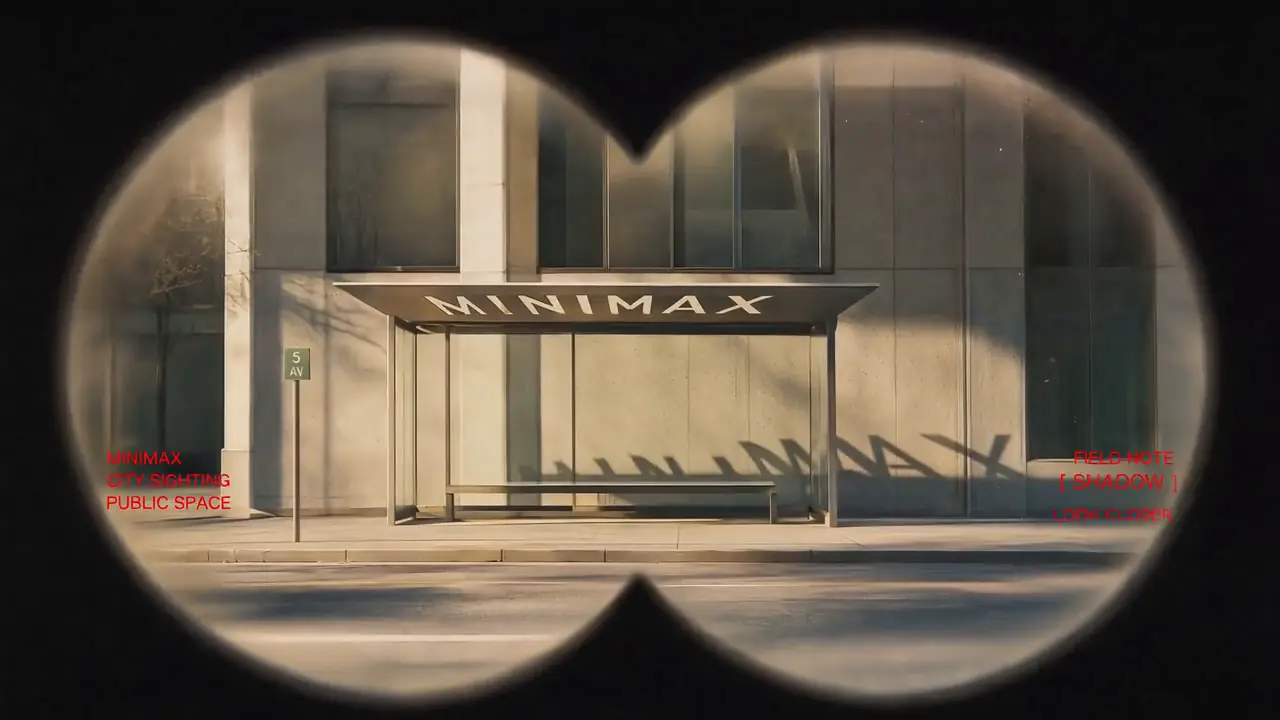
Featured Example
Vintage Binocular Brand Film
Reference to Video · Brand Films & Cinematic Content
H3-Base Task Family
First-Last-frame-to-Video-and-Audio — an H3-Base task family for text-driven and frame-controlled video generation.
FL2VA is one of two task families in MiniMax H3-Base, the open-weight release of MiniMax H3. It covers text-to-video, first-frame-anchored video, and first + last frame transition generation in a single checkpoint. The companion task family, Ref2VA, handles multimodal reference-to-video with image, video, and audio references.
FL2VA workflows run through the Image-to-Video tab below. Upload a first frame (required for frame-anchored FL2VA) and, optionally, a last frame. Leave both empty and switch to Text-to-Video to run FL2VA as pure text-to-video.
Recommended for testing prompts and first drafts.
2K output is available on the 2K tier only.
From input image
Output follows the uploaded frame.
Checking your account…

Featured real MiniMax H3 outputs — hover to preview, tap to view the prompt.
Reference to Video · Brand Films & Cinematic Content
First & Last Frame · Brand Films & Cinematic Content

Reference to Video · Brand Films & Cinematic Content
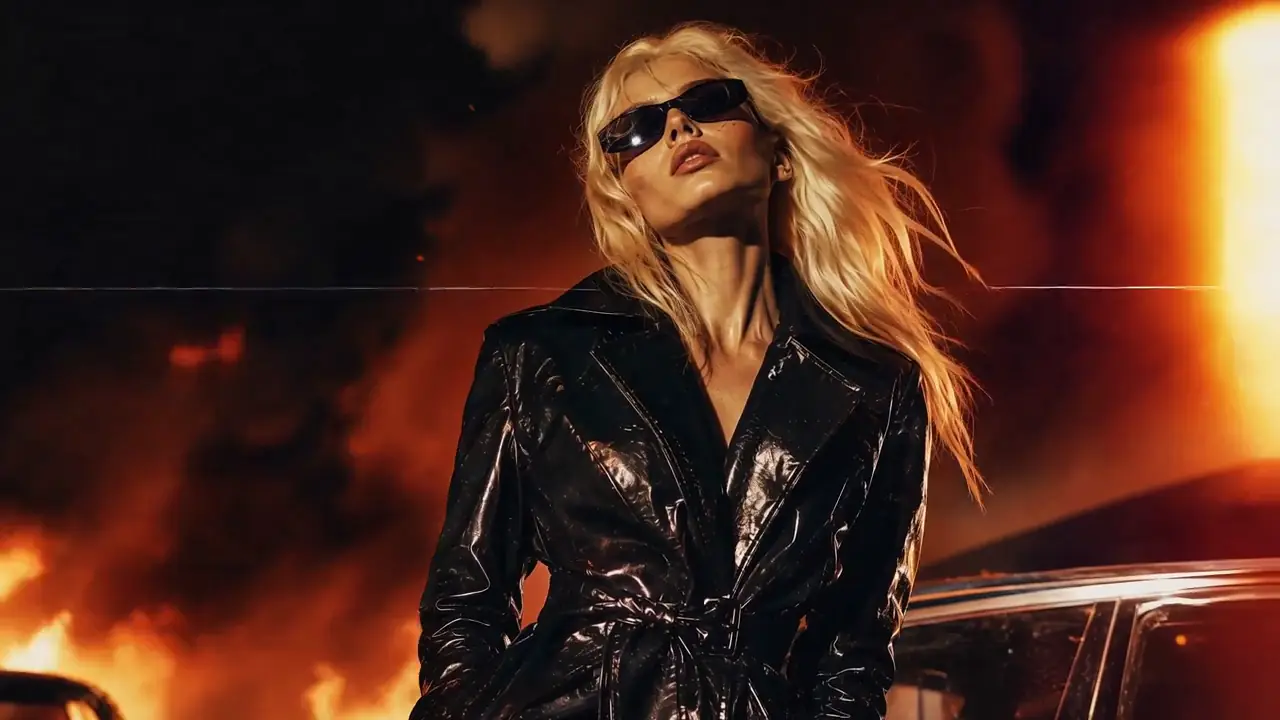
Reference to Video · Brand Films & Cinematic Content

Reference to Video · Visual Concepts & Motion Design
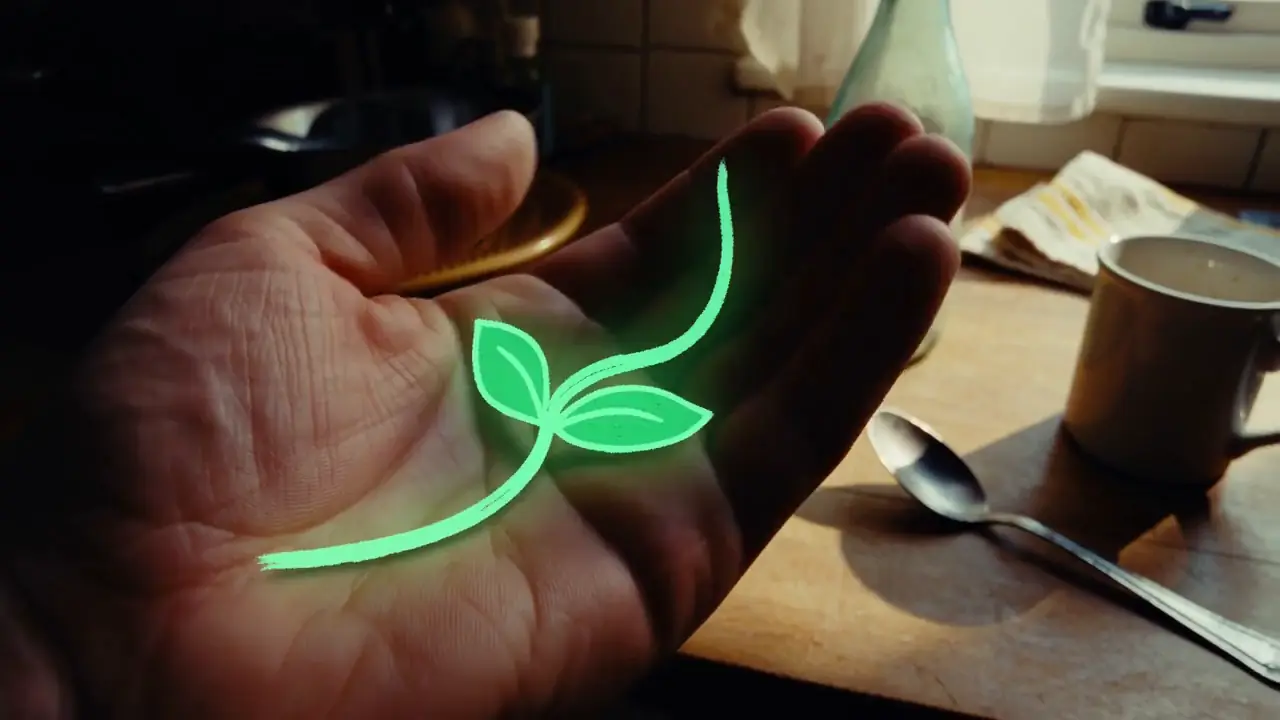
Text to Video · Visual Concepts & Motion Design
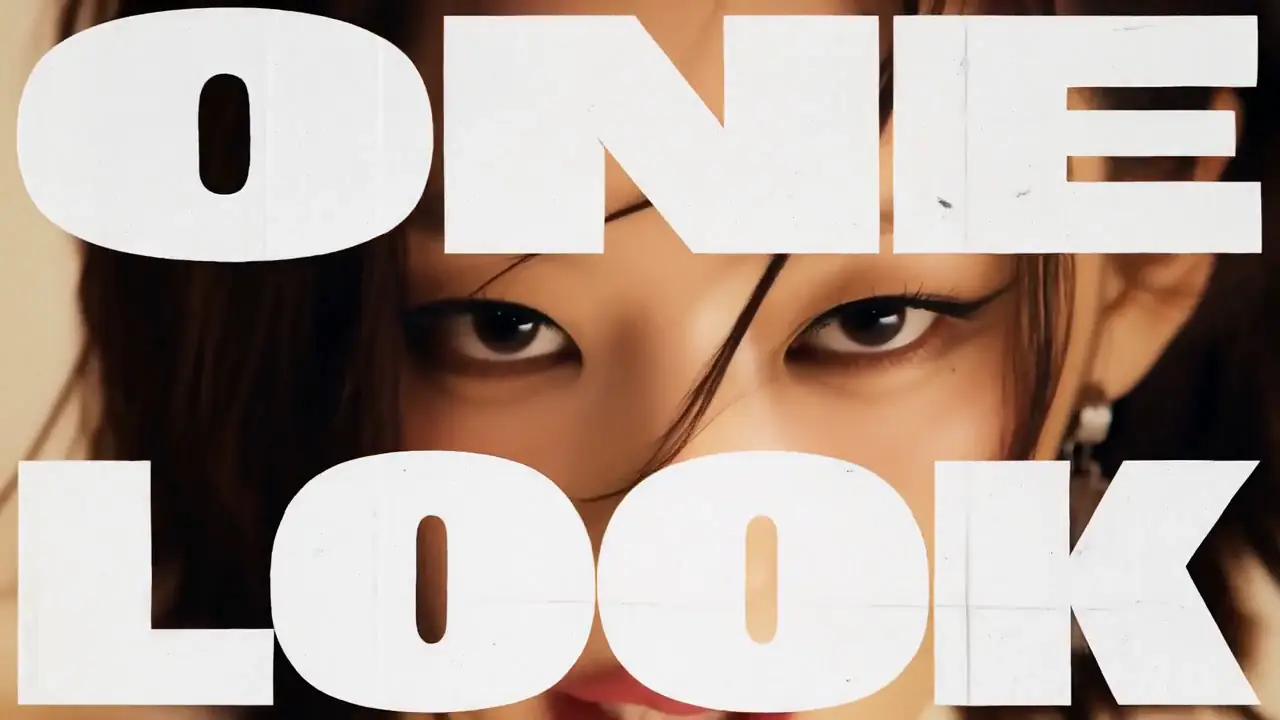
Text to Video · Visual Concepts & Motion Design
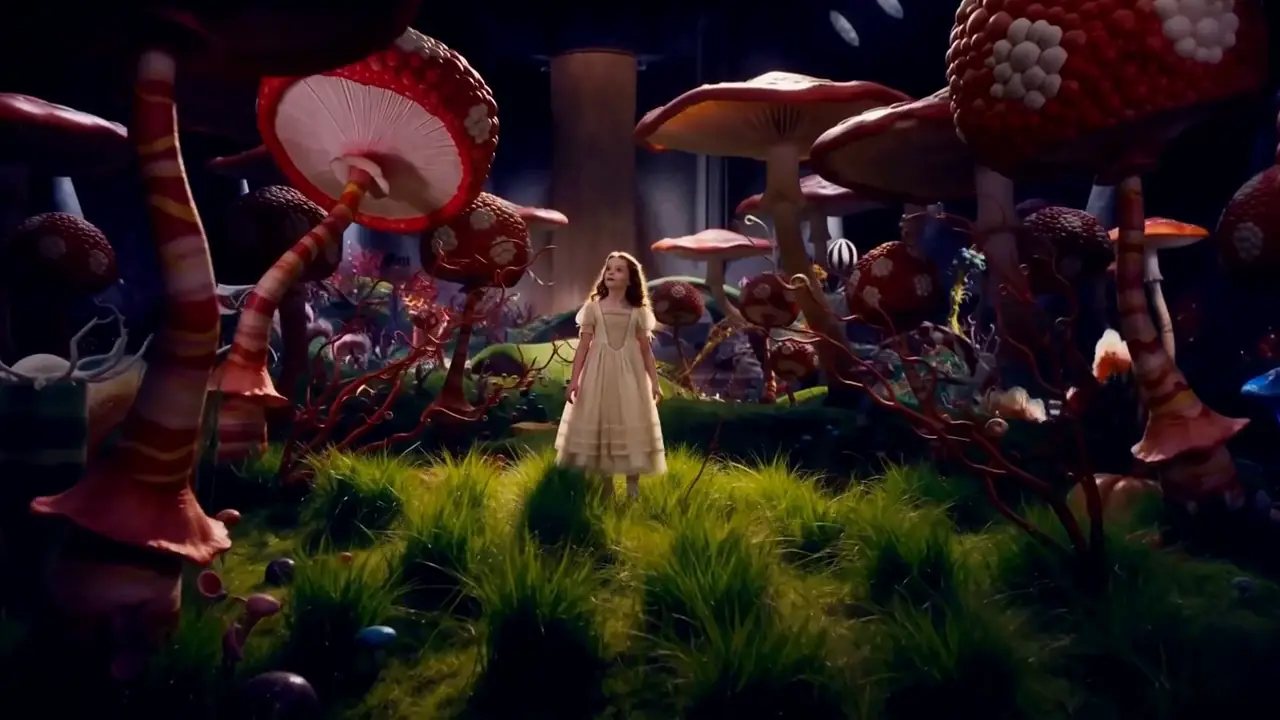
Reference to Video · Visual Concepts & Motion Design
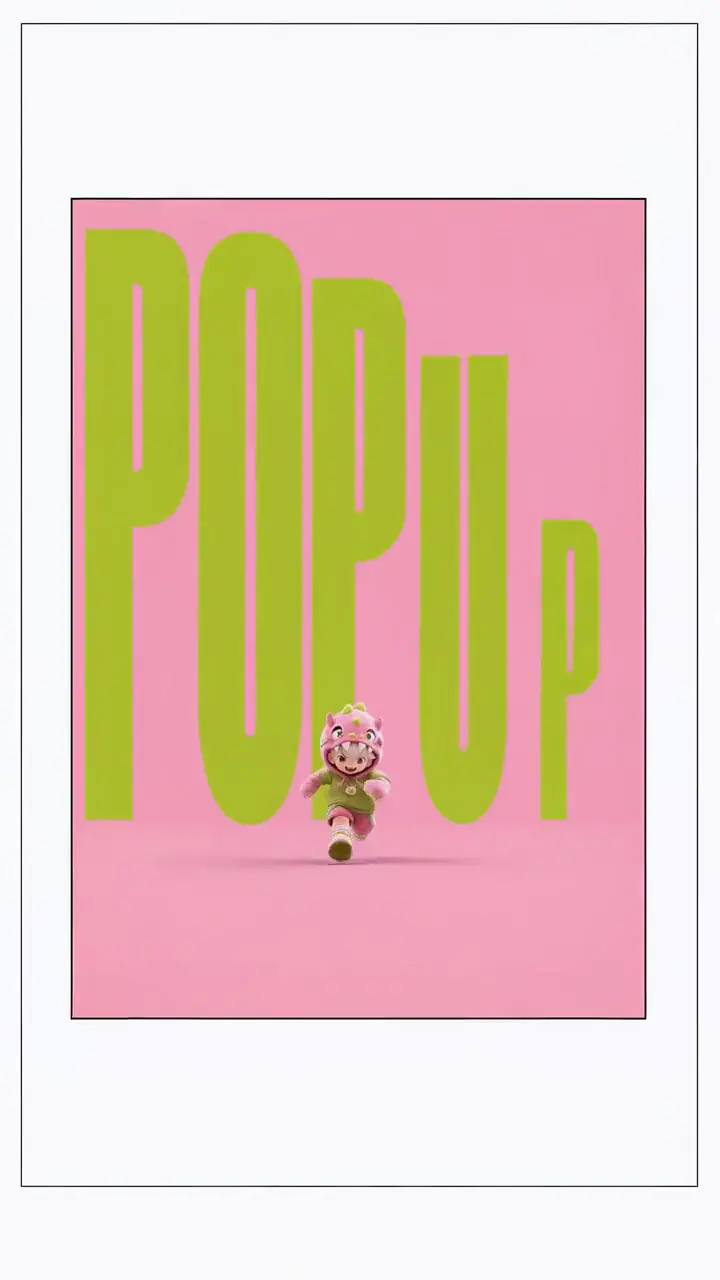
Reference to Video · Visual Concepts & Motion Design
First & Last Frame · Visual Concepts & Motion Design

Reference to Video · AI-Native Storytelling
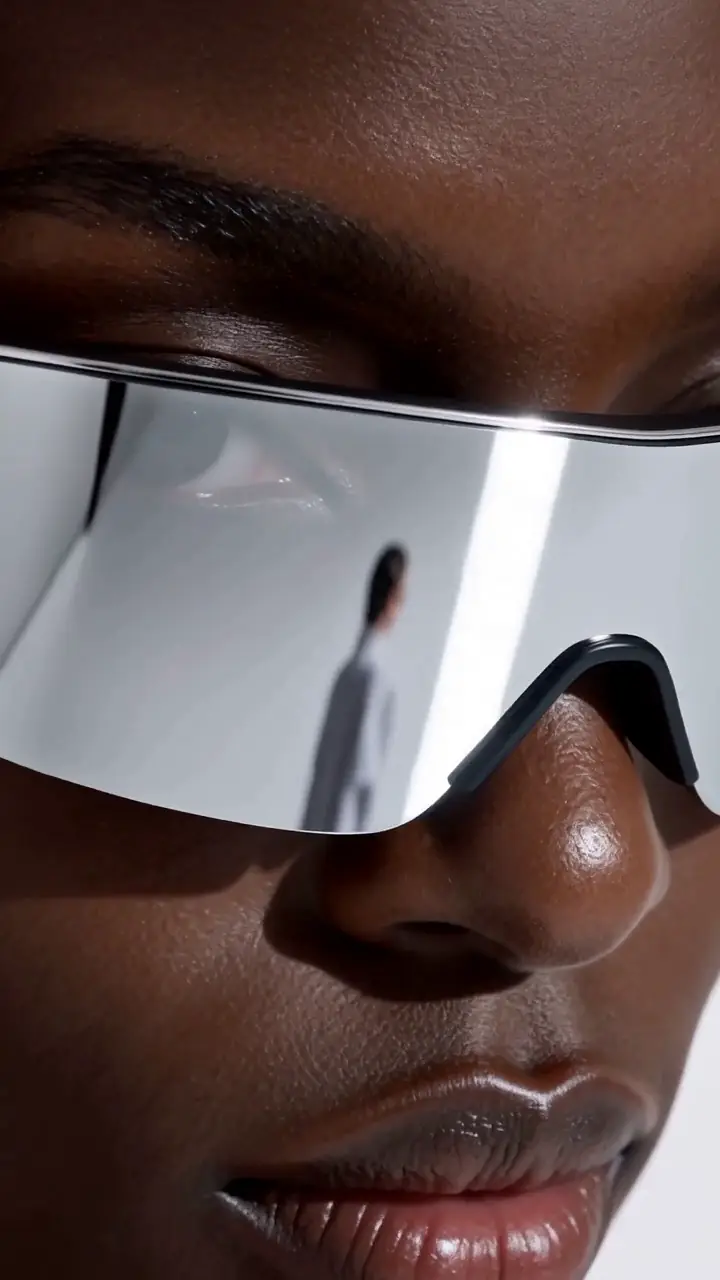
Reference to Video · Product & E-Commerce Marketing
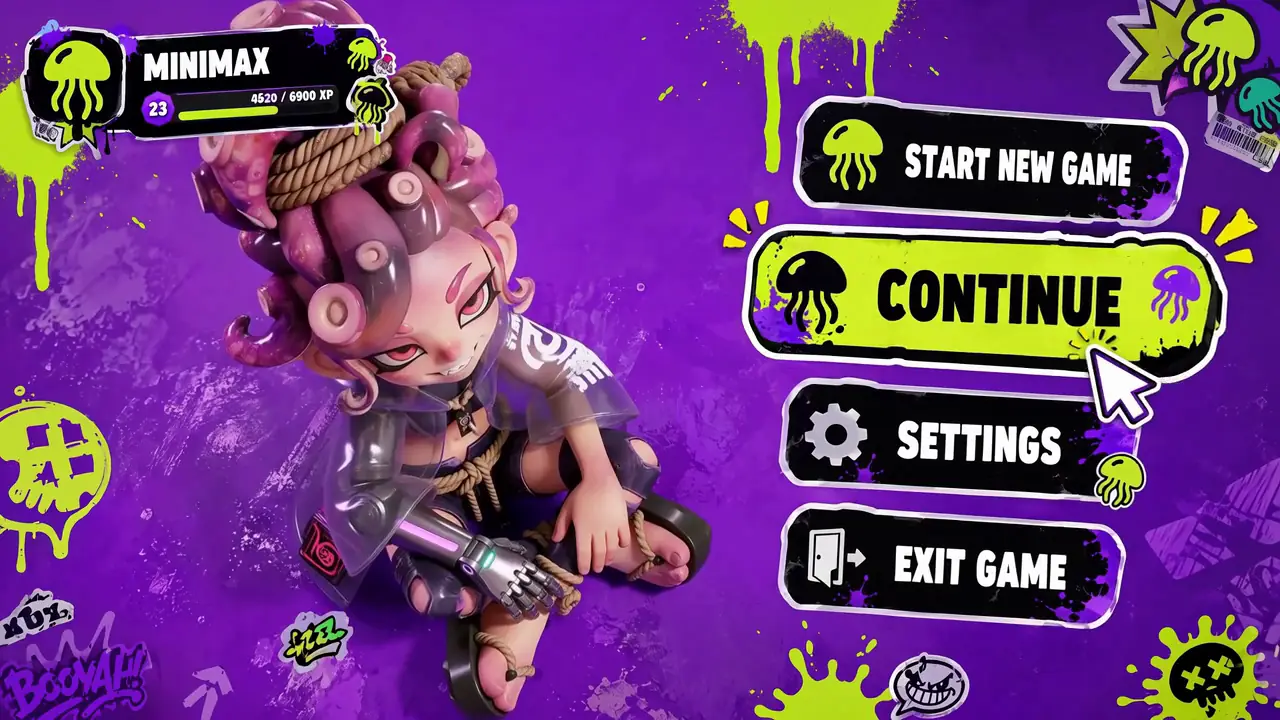
Reference to Video · Digital Experiences & Game Concepts
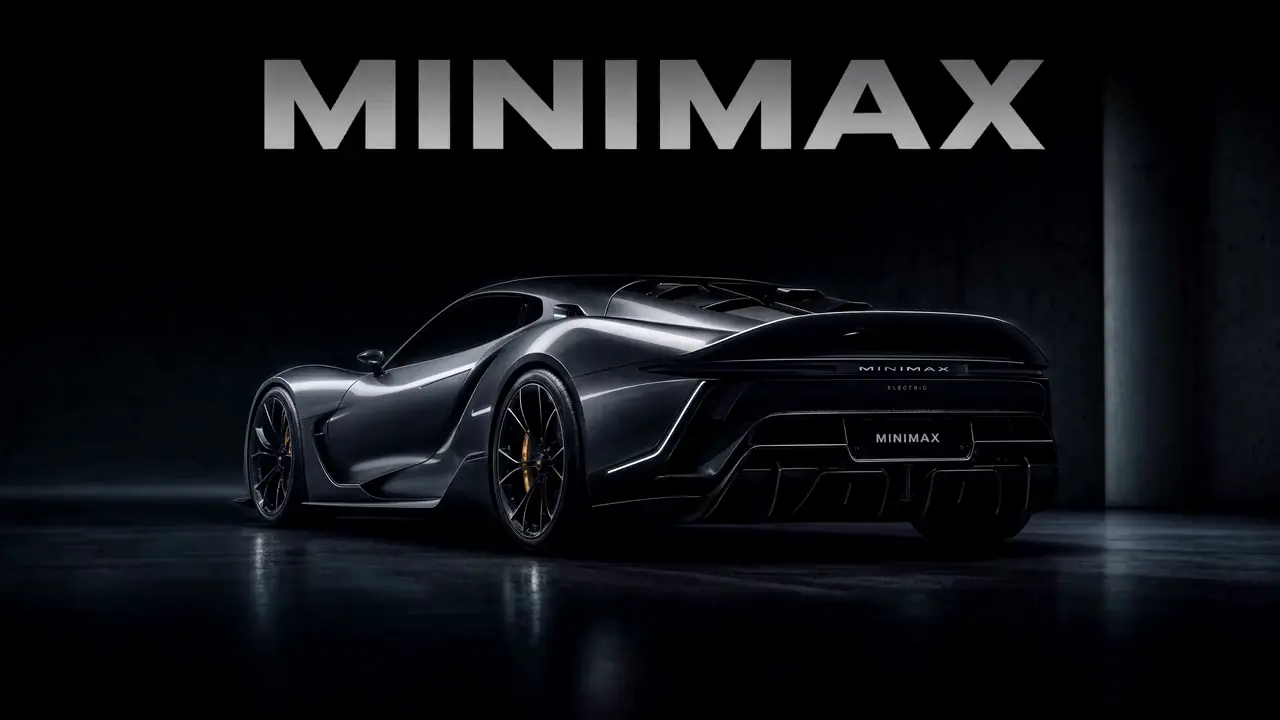
First & Last Frame · Digital Experiences & Game Concepts

First & Last Frame · Digital Experiences & Game Concepts
Want all 20 examples?
Explore the MiniMax H3 Prompt Guide →FL2VA (First-Last-frame-to-Video-and-Audio) is one of two task families in MiniMax H3-Base, the open-weight release of MiniMax's H3 video generation model. FL2VA covers three related workflows in a single checkpoint: text-to-video generation, first-frame-anchored video, and first + last frame transition generation. The companion task family, Ref2VA, handles multimodal reference-to-video with image, video, and audio references.
MiniMax H3-Base ships as two separate checkpoints, each specialized for a different family of video generation tasks. Choosing the right checkpoint before downloading is the single most important decision for local users.
| Dimension | FL2VA | Ref2VA |
|---|---|---|
| Full name | First-Last-frame-to-Video-and-Audio | Reference-to-Video-and-Audio |
| Supported inputs | Text · First frame image · Last frame image | Text · Multiple images · Multiple videos · Audio |
| Sub-workflows | T2V, First-frame-to-Video, First+Last-frame-to-Video | Reference-to-Video, Video-to-Video, Multi-modal reference |
| Audio input | No (generates audio, does not accept audio references) | Yes (audio reference for voice, music, sound) |
| Multi-image support | Max 2 (first + last frame, structural role) | Up to 9 (identity, style, scene, etc.) |
| Best for | Text-driven and frame-anchored generation | Identity- / style- / motion-controlled generation |
| Checkpoint | H3-Base FL2VA weights | H3-Base Ref2VA weights |
| Guide | This page | MiniMax H3 Reference Video |
One FL2VA checkpoint, three ways to use it. The distinction is which images (if any) you provide as conditioning.
Text-to-Video
Only a text prompt, no images. FL2VA generates a full clip from text alone. Best for creative, unconstrained ideation where no visual anchor is needed.
First-Frame-Anchored
Upload one image as the opening frame. H3 continues the motion forward from that anchor. Best for animating a portrait, product shot, or concept art.
First + Last Frame Transition
Upload both opening and ending frames. H3 generates the visual transition between them. Best for controlled shot transitions, morph-style transformations, and storyboard scenes.
| Attribute | Value |
|---|---|
| Checkpoint family | MiniMax H3-Base — FL2VA task family |
| Full name | First-Last-frame-to-Video-and-Audio |
| Base model | MiniMax H3-Base |
| Inputs | Text prompt · First frame image (optional) · Last frame image (optional) |
| Outputs | Video (MP4) · Synchronized stereo audio |
| Base resolution | 768p (upscale to 2K via full H3 system) |
| Duration range | 4–15 seconds |
| Precision options | FP16 · FP8 · INT8 · GGUF (community quantizations) |
| Hosted access | minimax3.org generator · MiniMax API |
| Open weights | MiniMaxAI/MiniMax-H3 on Hugging Face |
| Last verified | 2026-08-18 |
Specifications sourced from MiniMax official documentation and the Hugging Face model card. FL2VA weights are part of the MiniMaxAI/MiniMax-H3 repository. Verify the official repository and compare FL2VA with Ref2VA.
MiniMax3.org practical checklist
| Setup | VRAM Floor | Typical GPU | Notes |
|---|---|---|---|
| FL2VA FP16 | ≥ 24 GB | RTX 4090 / 5090 / A100 / H100 | Baseline full-precision. |
| FL2VA FP8 | ≥ 16 GB | RTX 4080 / 4090 / 5090 | Common community setup. |
| FL2VA INT8 / GGUF | ≥ 12 GB | RTX 4070 Ti / 4080 | Quantized for mid-range cards. |
| Apple Silicon | ≥ 32 GB unified | M2 / M3 / M4 Pro / Max | Community MPS / GGUF builds; typically slower than a dedicated GPU. |
VRAM is dominated by the H3-Base FL2VA weights and any additional LoRAs stacked on top. For detailed GPU configurations, see the MiniMax H3 ComfyUI Guide.
Grab the FL2VA task-family checkpoint from MiniMaxAI/MiniMax-H3 on Hugging Face. Place the weights under ComfyUI/models/checkpoints/. For quantized variants, see the MiniMax H3 Download guide.
Connect: H3-Base FL2VA loader → (optional LoRA loader) → prompt encoder → sampler → video decoder. First-frame and last-frame image inputs plug into the two image conditioning ports. Leave the last-frame port empty for T2V or first-frame-only workflows.
Use DPM++ 2M / UniPC at 25–40 steps for baseline quality. For faster iteration, stack a Turbo LoRA and switch to an LCM sampler at 4–8 steps. See the MiniMax H3 Turbo guide for acceleration details.
Each sub-workflow benefits from a different prompt structure. Copy a template below, then customize it for your scene.
Cinematic wide shot of a coastal cliff at sunrise. Waves crash against the rocks below. The camera slowly pushes forward while morning light breaks through scattered clouds. Seagulls cross the frame from left to right. Add natural wind ambience, crashing waves, and distant seabird calls.
Preserve the subject's facial identity, hairstyle, clothing and opening composition. The subject slowly looks toward the camera, blinks naturally and gives a subtle smile. A light breeze moves a few strands of hair while the camera makes a very slow push-in. Keep the facial proportions stable and the motion restrained. Soft room ambience and quiet fabric movement.
Begin precisely from the first image and preserve the main subject's identity and visual design. Move continuously toward the composition shown in the last image. Describe the intermediate transformation through observable changes in pose, environment, lighting and camera position. Avoid unnecessary cuts so the transition remains visually continuous and reaches the supplied final frame naturally.
For the complete prompt structure H3 expects across all workflows, see the MiniMax H3 Prompt Guide.
| Problem | Try This |
|---|---|
| Video ignores the last frame | Ensure the last frame is loaded into the last-frame conditioning port, not the first-frame port. |
| Transition looks jarring or cut | Add explicit motion description in the prompt ("continuous camera push", "gradual color shift"). |
| Face identity drifts between first and last frame | Keep the two frames stylistically consistent — same lighting, same camera focal length, same subject angle. |
| Audio is silent | Confirm audio output is enabled in the workflow — FL2VA generates audio but it can be muted at the decoder stage. |
| ComfyUI loads FL2VA but produces noise | Verify you are using the FL2VA checkpoint, not Ref2VA — they are not interchangeable at load time. |
| Output is blurry at short clip lengths | Increase steps from 4–8 (Turbo) to 25–40 (standard) for final renders. |
| First frame composition drifts immediately | Add "Preserve the opening composition exactly" at the start of the prompt. Avoid requesting large off-screen actions in the first second. |
FL2VA stands for First-Last-frame-to-Video-and-Audio. It is one of two task families in MiniMax H3-Base, the open-weight release of MiniMax H3.
They overlap but are not identical. FL2VA is a checkpoint family that covers text-to-video and first/last-frame workflows. Image-to-video is a broader concept that can also be served by Ref2VA when reference images define identity or style rather than anchoring the first frame.
FL2VA handles text-driven and frame-anchored generation (text-to-video, first-frame, first+last-frame). Ref2VA handles multimodal reference-guided generation where images, video, and audio each carry separate roles like identity, motion, camera, or voice. They are separate H3-Base checkpoints and are not interchangeable.
FL2VA weights are available from the MiniMaxAI/MiniMax-H3 repository on Hugging Face. Look for the FL2VA task-family checkpoint within the repository.
Yes. FL2VA can generate native, synchronized stereo audio alongside video — that is what the "A" in FL2VA means. However, FL2VA does not accept audio references as input; for audio-conditioned generation, use Ref2VA.
Yes. Load the FL2VA checkpoint through a standard H3-Base model loader in ComfyUI, connect image conditioning ports for first and/or last frame, and run the sampler. See the ComfyUI setup section on this page for details.
FL2VA FP16 needs at least 24 GB VRAM (RTX 4090, A100). FP8 runs on 16–20 GB cards. INT8 or GGUF quantized weights extend to 12 GB GPUs. Apple Silicon needs at least 32 GB unified memory.
Yes, as long as the Turbo LoRA was trained against FL2VA weights specifically. Loading a Turbo LoRA trained on Ref2VA into an FL2VA workflow can silently degrade quality. Match the LoRA to the checkpoint family.
FL2VA itself generates at 768p. The complete MiniMax H3 system reaches 2K via a separate H3-Regenerate-2K stage. On MiniMax3.org, the hosted generator handles the full pipeline including the 2K upscaling stage.
Use the generator embedded on this page. FL2VA workflows run through the Image-to-Video tab — upload a first frame and optionally a last frame, write a prompt, and generate. No download or API key required. New users get 10 free credits daily.
Upload a first frame and an optional last frame, or start with text alone. FL2VA generates video with native audio — all in your browser.
10 free credits per daily check-in · Up to 30 total
MiniMax H3 official launch announcement
MiniMax H3 on Hugging Face (FL2VA & Ref2VA open weights)
Published 2026-08-18. Last reviewed 2026-08-18. MiniMax3.org is an independent third-party platform and is not affiliated with, endorsed by, or operated by MiniMax. Specifications are sourced from official MiniMax documentation and the Hugging Face model card.